Text messages
This page explains the basic structure of a WhatsApp message request and how to send text, including formatting and URL previews. The same structure is used by every other WhatsApp message type.
Request structure
A WhatsApp message is a regular Business Messaging request with WhatsApp in allowedChannels. The WhatsApp content goes in the Rich Content conversation array.
{
  "messages": {
    "authentication": {
      "productToken": "YOUR_PRODUCT_TOKEN"
    },
    "msg": [
      {
        "from": "00316098765432",
        "to": [
          { "number": "00316012345678" }
        ],
        "body": {
          "type": "auto",
          "content": "Fallback text for SMS"
        },
        "allowedChannels": ["WhatsApp"],
        "richContent": {
          "conversation": [
            {
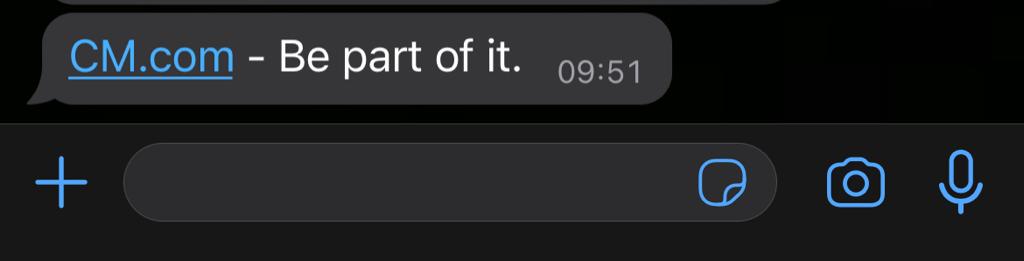
              "text": "CM.com - Be part of it."
            }
          ]
        }
      }
    ]
  }
}
| Field | Required | Description |
|---|---|---|
from | Yes | Your WhatsApp Business number. If it does not match one of your WhatsApp numbers, the first number you onboarded is used. |
to[].number | Yes | The recipient's phone number, or a Business-scoped User ID. |
allowedChannels | Yes | Must include WhatsApp. |
body.content | Yes | Fallback text used when the message falls back to SMS. It must meet SMS requirements, including the length limits described in SMS multipart messaging. |
richContent.conversation[] | Yes | The WhatsApp content. Each item is delivered as a separate message bubble. |
WhatsApp strives for, but does not guarantee, in-order delivery of messages. If the order matters, wait for the delivery status report of one message before sending the next.
Multiple bubbles in one request
You can place several items in conversation. Each item becomes a separate bubble and all items are sent at once. The example below sends two text bubbles and an image.
{
  "messages": {
    "authentication": {
      "productToken": "YOUR_PRODUCT_TOKEN"
    },
    "msg": [
      {
        "from": "00316098765432",
        "to": [
          { "number": "00316012345678" }
        ],
        "body": {
          "type": "auto",
          "content": "Fallback text for SMS"
        },
        "allowedChannels": ["WhatsApp"],
        "richContent": {
          "conversation": [
            {
              "text": "A text message with *bold* formatting in a speech bubble."
            },
            {
              "text": "Another speech bubble."
            },
            {
              "media": {
                "mediaName": "And an image",
                "mediaUri": "https://www.cm.com/cdn/web/nl-nl/blog/conversational-commerce.jpg",
                "mimeType": "image/jpeg"
              }
            }
          ]
        }
      }
    ]
  }
}
Text content
| Rule | Value |
|---|---|
| Encoding | UTF-8. Emoji are supported. 😀 |
| Max. length | 4,096 characters per text bubble. |
| Empty text | Not allowed. A message with an empty text value is rejected. |
Emojis are rendered by the user's device. Older devices may not support the newest emojis and the same emoji can look slightly different from one device to another.
Formatting
WhatsApp supports a limited set of formatting characters. Wrap the text you want to format in the relevant symbol. The opening symbol must be preceded by a space or the start of the line.
| Formatting | Symbol | Input | Result |
|---|---|---|---|
| Bold | Asterisk * | Your total is *€10.50*. | Your total is €10.50. |
| Italic | Underscore _ | Welcome to _WhatsApp_! | Welcome to WhatsApp! |
| Strikethrough | Tilde ~ | This is ~better~ best! | This is |
| Monospace | Three backticks ````` | print 'Hello World'; | print 'Hello World'; |
URL previews
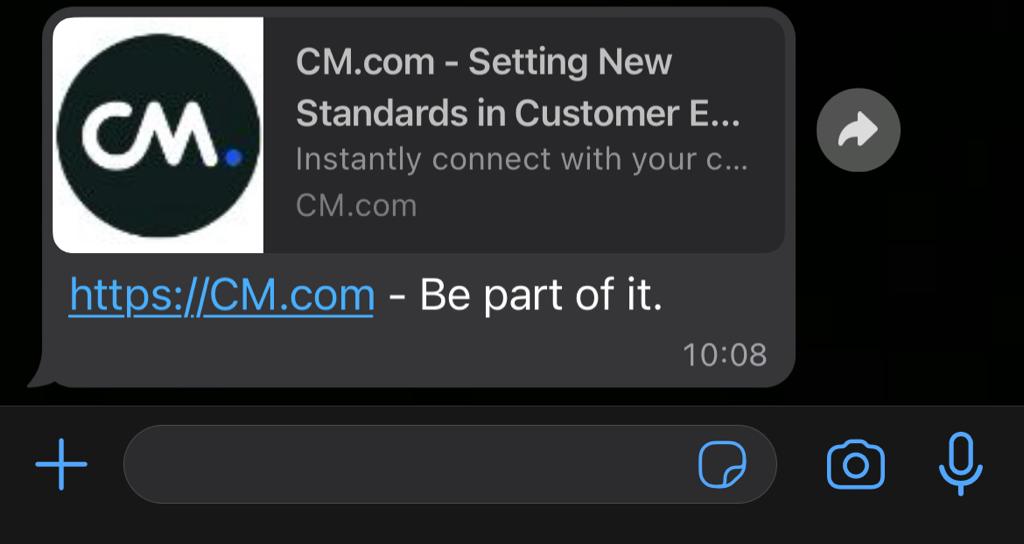
WhatsApp automatically turns URLs in a text message into tappable links. The first URL in the message also generates a preview, provided that:
- The URL starts with
http://orhttps://. - The destination page implements the Open Graph protocol. The title, description and image of the preview are taken from the page's Open Graph tags.
For privacy reasons, the preview is retrieved before the message is delivered, rather than by the user's device.
{
  "messages": {
    "authentication": {
      "productToken": "YOUR_PRODUCT_TOKEN"
    },
    "msg": [
      {
        "from": "00316098765432",
        "to": [
          { "number": "00316012345678" }
        ],
        "body": {
          "type": "auto",
          "content": "Fallback text for SMS"
        },
        "allowedChannels": ["WhatsApp"],
        "richContent": {
          "conversation": [
            {
              "text": "Read more about our WhatsApp solutions at https://www.cm.com/whatsapp/"
            }
          ]
        }
      }
    ]
  }
}