Media messages
You send media by adding a media item to the richContent.conversation array. WhatsApp downloads the file from the URL you provide and delivers it to the user.
For the general request structure, see Text messages.
Supported media
| Type | Formats | Max. size | mimeType |
|---|---|---|---|
| Image | JPEG, PNG | 5 MB | image/jpeg, image/png |
| Video | MP4 (H.264 video, AAC audio) | 16 MB | video/mp4 |
| Audio | AAC, M4A, AMR, MP3, OGG (Opus) | 16 MB | audio/aac, audio/m4a, audio/amr, audio/mpeg, audio/ogg; codecs=opus |
| Document | Plain text, PDF, Word, PowerPoint, Excel | 100 MB | text/plain, application/pdf, application/msword, application/vnd.openxmlformats-officedocument.wordprocessingml.document, application/vnd.ms-powerpoint, application/vnd.openxmlformats-officedocument.presentationml.presentation, application/vnd.ms-excel, application/vnd.openxmlformats-officedocument.spreadsheetml.sheet |
| Sticker | Static or animated WebP, 512 × 512 pixels | Static: 100 KB Animated: 500 KB | image/webp |
Hosting requirements
- Host the file on a publicly accessible URL on port 80 (HTTP) or 443 (HTTPS).
- Serve the file with the correct
Content-Typeheader. - Video files must contain an audio track.
- If the file cannot be retrieved, the message is not sent.
Users may pay for mobile data when they are not on Wi-Fi. We strongly recommend keeping files below 1 MB and keeping the total size of a conversation below 20 MB.
Media object
| Field | Required | Description |
|---|---|---|
mediaUri | Yes | Public URL of the file. |
mimeType | Yes | MIME type of the file. See Supported media. |
mediaName | No | For images and video, the caption shown below the media. For documents, the file name, include the correct file extension. Not supported for audio and stickers. |
voiceMessage | No | Audio only. Set to true to deliver the audio as a voice message. See Voice messages. |
Only one file can be sent per media item. To send several files, add several items to conversation.
Examples
The first example shows a complete request. The other examples show only the conversation item, place it in richContent.conversation of a request like the first one.
Complete request
A full request sending an image:
{
  "messages": {
    "authentication": {
      "productToken": "YOUR_PRODUCT_TOKEN"
    },
    "msg": [
      {
        "from": "00316098765432",
        "to": [
          { "number": "00316012345678" }
        ],
        "body": {
          "type": "auto",
          "content": "Fallback text"
        },
        "allowedChannels": ["WhatsApp"],
        "richContent": {
          "conversation": [
            {
              "media": {
                "mediaName": "CM.com and the WhatsApp Business Platform",
                "mediaUri": "https://www.cm.com/cdn/web/logo/whatsapp-business-platform-download-logo.jpg",
                "mimeType": "image/jpeg"
              }
            }
          ]
        }
      }
    ]
  }
}
Image
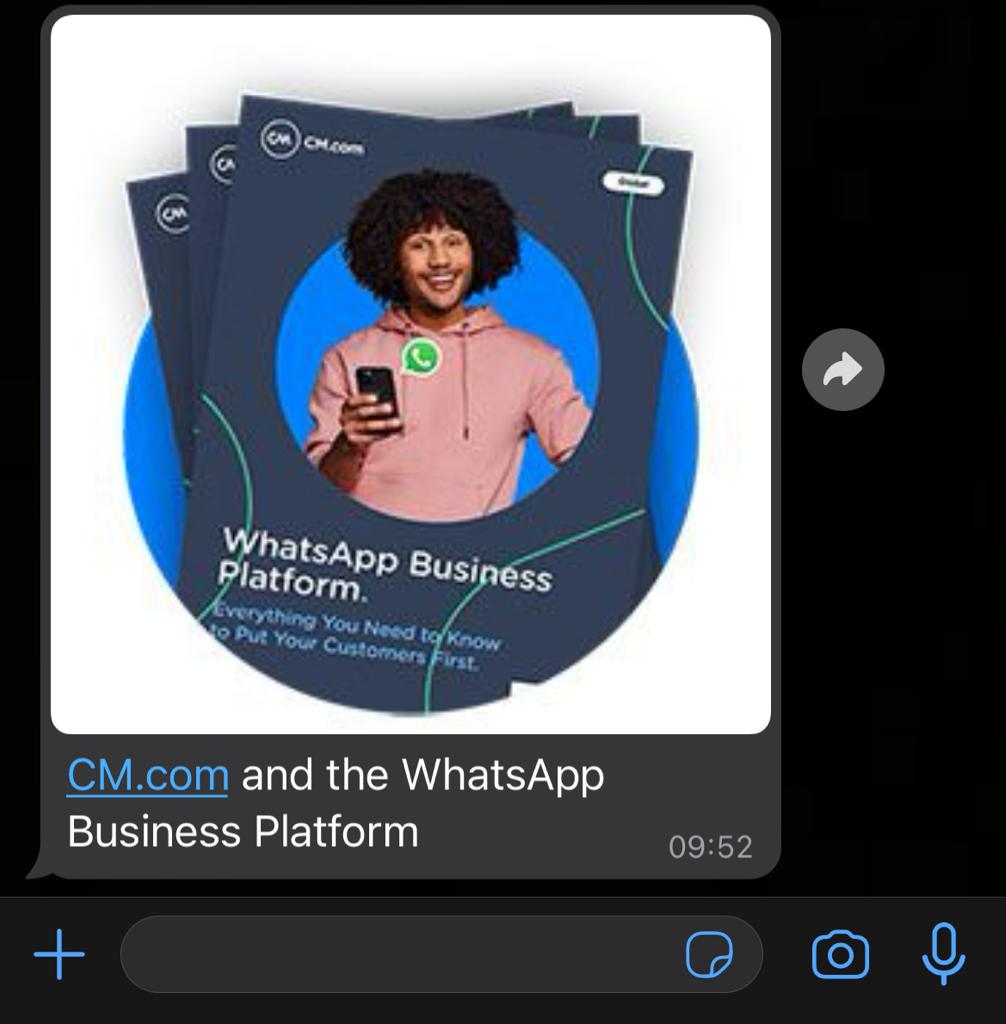
The mediaName is shown as the caption.
{
  "media": {
    "mediaName": "CM.com and the WhatsApp Business Platform",
    "mediaUri": "https://www.cm.com/cdn/web/logo/whatsapp-business-platform-download-logo.jpg",
    "mimeType": "image/jpeg"
  }
}
Video
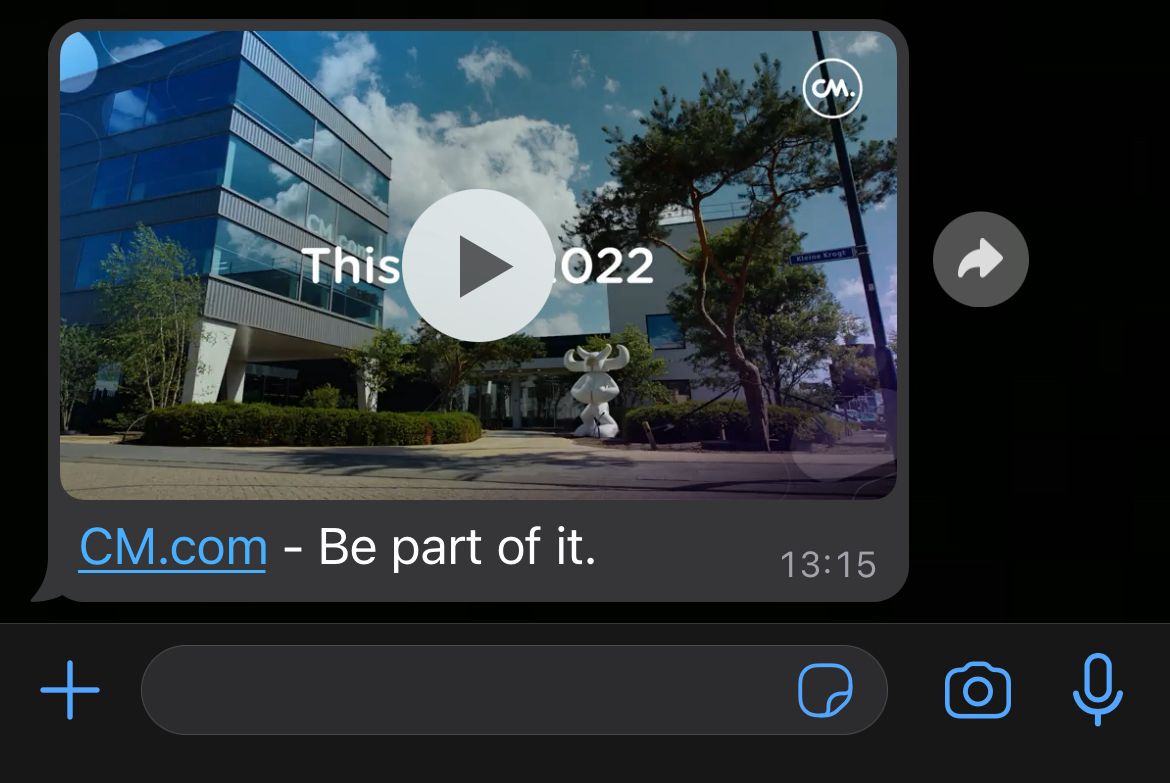
The mediaName is shown as the caption.
{
  "media": {
    "mediaName": "CM.com - Be part of it.",
    "mediaUri": "https://your-company.com/your-video.mp4",
    "mimeType": "video/mp4"
  }
}
Audio
{
  "media": {
    "mediaUri": "https://your-company.com/your-audio.mp3",
    "mimeType": "audio/mpeg"
  }
}
Voice messages
A voice message appears in WhatsApp as a recorded voice note rather than an audio file. To send one, set voiceMessage to true.
Voice messages must be OGG files encoded with the Opus codec. See Meta's audio message parameters for details.
{
  "media": {
    "mediaUri": "https://your-company.com/your-audio.ogg",
    "mimeType": "audio/ogg",
    "voiceMessage": true
  }
}
Document
The mediaName is used as the file name.
{
  "media": {
    "mediaName": "CM.com - Be part of it.pdf",
    "mediaUri": "https://your-company.com/your-document.pdf",
    "mimeType": "application/pdf"
  }
}
Sticker
{
  "media": {
    "mediaUri": "https://your-company.com/your-sticker.webp",
    "mimeType": "image/webp"
  }
}