Events
Events are actions you send to WhatsApp that are not messages: for example, marking a message as read or blocking a user. They are sent to a separate endpoint and use their own request structure.
| Event | event.type | Use it to… |
|---|---|---|
| Mark as read | MarkAsRead | Show the user that you have read their message. |
| Typing indicator | Typing | Show the user that you are preparing a reply. |
| Block | Block | Block a user. |
| Unblock | UnBlock | Unblock a previously blocked user. |
| Meta conversions | See Event types | Report conversions from Click-to-WhatsApp ads to Meta. |
Sending an event
Send events with a POST request to:
https://gw.messaging.cm.com/v1.0/event
Request structure
{
  "authentication": {
    "productToken": "YOUR_PRODUCT_TOKEN"
  },
  "channel": "WhatsApp",
  "from": {
    "number": "00316098765432"
  },
  "to": {
    "number": "00316012345678"
  },
  "event": {
    "type": "EventTypeHere",
    "custom": {
      "key": "value"
    }
  }
}
| Field | Required | Description |
|---|---|---|
authentication.productToken | Yes | Your product token. |
channel | Yes | WhatsApp |
from.number | Yes | Your WhatsApp Business number. |
to.number | Yes | The user's phone number or Business-scoped User ID. |
event.type | Yes | The event type. |
event.custom | Depends | Event-specific attributes. See each event below. |
Mark as read
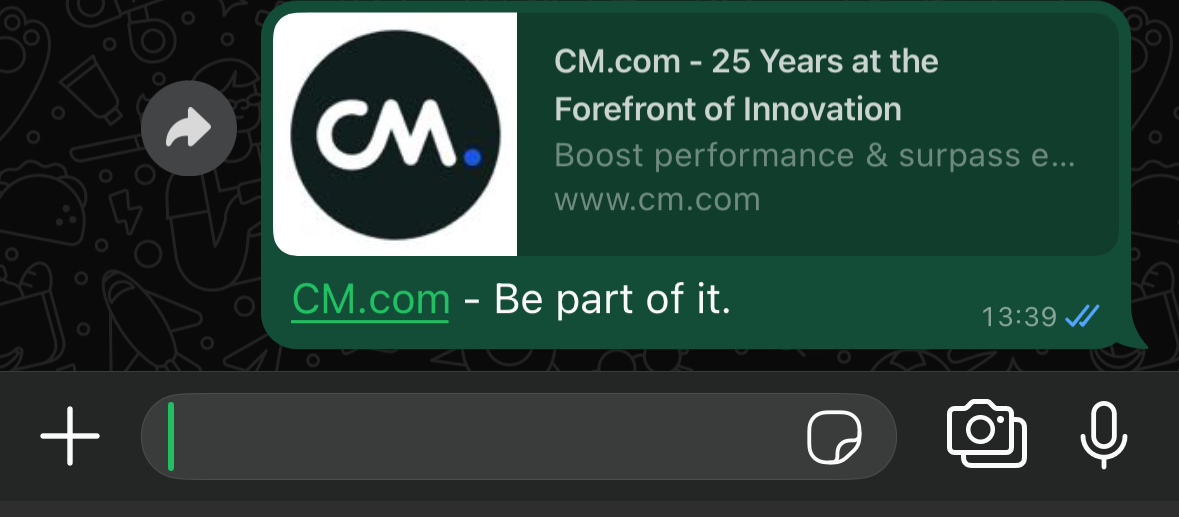
Marks a message from the user as read. The user sees blue ticks on their message.
| Field | Required | Description |
|---|---|---|
event.type | Yes | MarkAsRead |
event.custom.message_id | Yes | The reference of the inbound message, as received on your MO webhook. |
{
  "authentication": {
    "productToken": "YOUR_PRODUCT_TOKEN"
  },
  "channel": "WhatsApp",
  "from": {
    "number": "00316098765432"
  },
  "to": {
    "number": "00316012345678"
  },
  "event": {
    "type": "MarkAsRead",
    "custom": {
      "message_id": "wamid.HBgLMzQ2ODUxMjA0NzMVAgASGBYzRUIwOTE5OURCMjdDQ0RCNjM3OTBEAA=="
    }
  }
}
Typing indicator
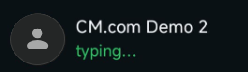
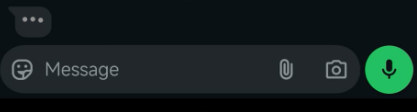
Shows the user that you are preparing a reply to their message. Sending this event also marks the message as read.
The indicator disappears when you send your reply, or after 25 seconds, whichever comes first.
| Field | Required | Description |
|---|---|---|
event.type | Yes | Typing |
event.custom.message_id | Yes | The reference of the inbound message you are replying to. |
event.custom.typing_indicator | Yes | text |
Send the typing indicator only when you are actually preparing a reply, and send the reply shortly afterwards. Showing the indicator without replying confuses and frustrates users.
{
  "authentication": {
    "productToken": "YOUR_PRODUCT_TOKEN"
  },
  "channel": "WhatsApp",
  "from": {
    "number": "00316098765432"
  },
  "to": {
    "number": "00316012345678"
  },
  "event": {
    "type": "Typing",
    "custom": {
      "message_id": "wamid.HBgLMzQ2ODUxMjA0NzMVAgASGBYzRUIwOTE5OURCMjdDQ0RCNjM3OTBEAA==",
      "typing_indicator": "text"
    }
  }
}
Block
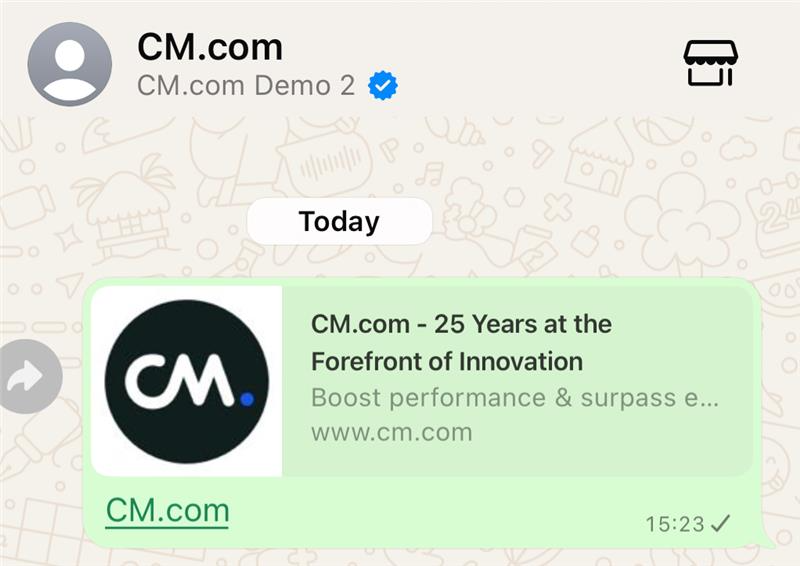
Blocks a user. Once blocked:
- The user cannot contact your business or see that you are online.
- Your business cannot message the user. Attempts to do so fail.
You can only block users who have messaged your business in the last 24 hours.
| Field | Required | Description |
|---|---|---|
event.type | Yes | Block |
to.number | Yes | Phone number or Business-scoped User ID of the user to block. |
{
  "authentication": {
    "productToken": "YOUR_PRODUCT_TOKEN"
  },
  "channel": "WhatsApp",
  "from": {
    "number": "00316098765432"
  },
  "to": {
    "number": "00316012345678"
  },
  "event": {
    "type": "Block"
  }
}
{
  "authentication": {
    "productToken": "YOUR_PRODUCT_TOKEN"
  },
  "channel": "WhatsApp",
  "from": {
    "number": "00316098765432"
  },
  "to": {
    "number": "NL.123456789458"
  },
  "event": {
    "type": "Block"
  }
}
Unblock
Unblocks a previously blocked user. Once unblocked, the user can contact your business again and you can message them again.
| Field | Required | Description |
|---|---|---|
event.type | Yes | UnBlock |
to.number | Yes | Phone number or Business-scoped User ID of the user to unblock. |
{
  "authentication": {
    "productToken": "YOUR_PRODUCT_TOKEN"
  },
  "channel": "WhatsApp",
  "from": {
    "number": "00316098765432"
  },
  "to": {
    "number": "00316012345678"
  },
  "event": {
    "type": "UnBlock"
  }
}
{
  "authentication": {
    "productToken": "YOUR_PRODUCT_TOKEN"
  },
  "channel": "WhatsApp",
  "from": {
    "number": "00316098765432"
  },
  "to": {
    "number": "NL.123456789458"
  },
  "event": {
    "type": "UnBlock"
  }
}
Meta conversions
Conversion events tell Meta which users who came from your Click-to-WhatsApp ads went on to convert, for example by making a purchase. Meta uses them to measure and optimise your ad campaigns.
Meta conversion events are only available to businesses based outside the United Kingdom, the European Union and Japan.
How it works
- A user clicks your ad and starts a WhatsApp conversation.
- The first inbound message contains a
referralobject with a click ID inctwa_clid. See Ad referrals. - Store the click ID with the conversation.
- When the user converts, send a conversion event with the click ID in
event.custom.ctwa_id.
Event types
event.type | Requires currency and value |
|---|---|
Purchase | Yes |
OrderCreated | Yes |
OrderShipped | Yes |
LeadSubmitted | No |
QualifiedLead | No |
InitiateCheckout | No |
AddToCart | No |
ViewContent | No |
OrderDelivered | No |
OrderCanceled | No |
OrderReturned | No |
CartAbandoned | No |
RatingProvided | No |
ReviewProvided | No |
Fields
| Field | Required | Description |
|---|---|---|
event.type | Yes | One of the event types. |
event.custom.ctwa_id | Yes | The click ID from referral.ctwa_clid of the user's first inbound message. |
event.custom.currency | Conditional | ISO 4217 currency code, for example EUR. Required for Purchase, OrderCreated and OrderShipped. |
event.custom.value | Conditional | Total order amount as a string, for example "12.60". Required for Purchase, OrderCreated and OrderShipped. |
{
  "authentication": {
    "productToken": "YOUR_PRODUCT_TOKEN"
  },
  "channel": "WhatsApp",
  "from": {
    "number": "00316098765432"
  },
  "to": {
    "number": "00316012345678"
  },
  "event": {
    "type": "ViewContent",
    "custom": {
      "ctwa_id": "AfezXXXXlzjkdgEtWs6Coke3jFaNpq7eUgd4H76BmKbOZFw31hIHf-7JEPkRjs_kUVIF0CMzfBkVux_XXX2ZzVPPja_GuHXXXXi9Nt0l3r5d4BZPwNQJpAiQNJ2E32nOcVDA"
    }
  }
}
{
  "authentication": {
    "productToken": "YOUR_PRODUCT_TOKEN"
  },
  "channel": "WhatsApp",
  "from": {
    "number": "00316098765432"
  },
  "to": {
    "number": "00316012345678"
  },
  "event": {
    "type": "Purchase",
    "custom": {
      "ctwa_id": "AfezXXXXlzjkdgEtWs6Coke3jFaNpq7eUgd4H76BmKbOZFw31hIHf-7JEPkRjs_kUVIF0CMzfBkVux_XXX2ZzVPPja_GuHXXXXi9Nt0l3r5d4BZPwNQJpAiQNJ2E32nOcVDA",
      "currency": "USD",
      "value": "12.60"
    }
  }
}