Creating an account
The first step in getting your messages out there is creating an account at CM or, if you have specific needs or questions, contacting our sales people.
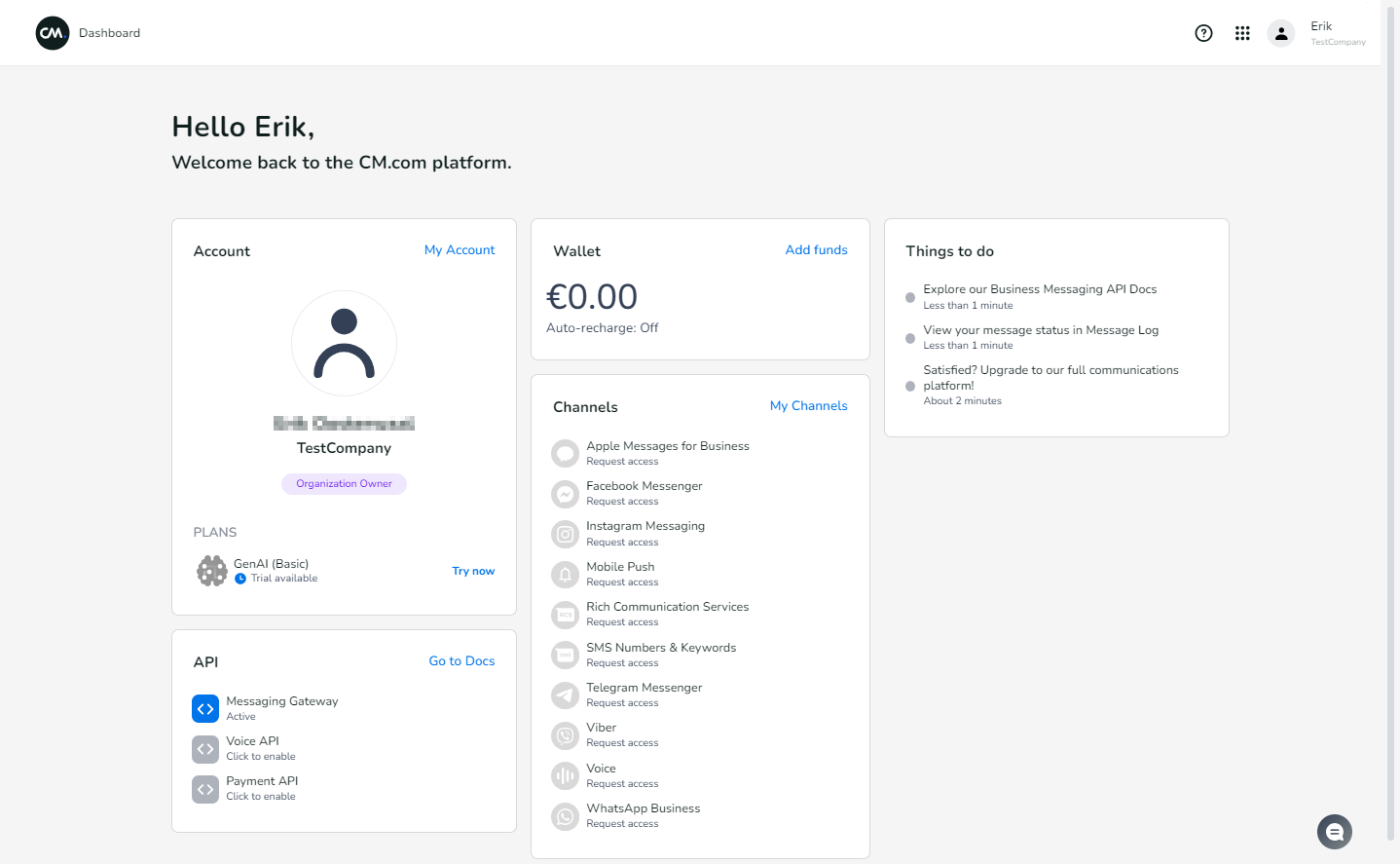
Your account will give you access to the CM.com platform dashboard, which allows you to manage your account and add and configure services.
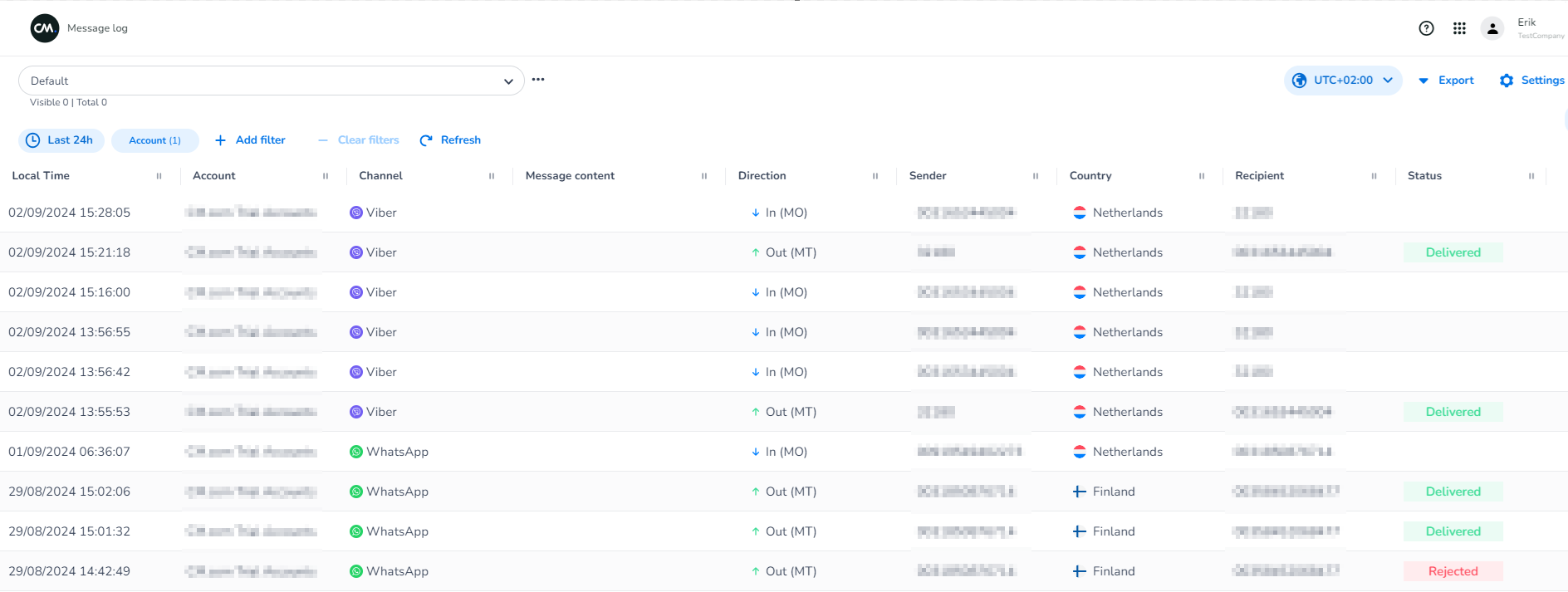
You will also get access to our extensive tooling, like the Message log, which shows you all messages you have sent and received, and allows you to look at the details of messages.
Payment
For basic usage of the our API, you'll need to be registered at CM.com and have billing details set in your CM Wallet. This can be recurring billing via credit card (self-service), or via alternative payment methods (signed business contract required).