Delivery Setup - Channable
This guide explains what you, as the customer, need to provide to enable the integration between channable and product feed.
-
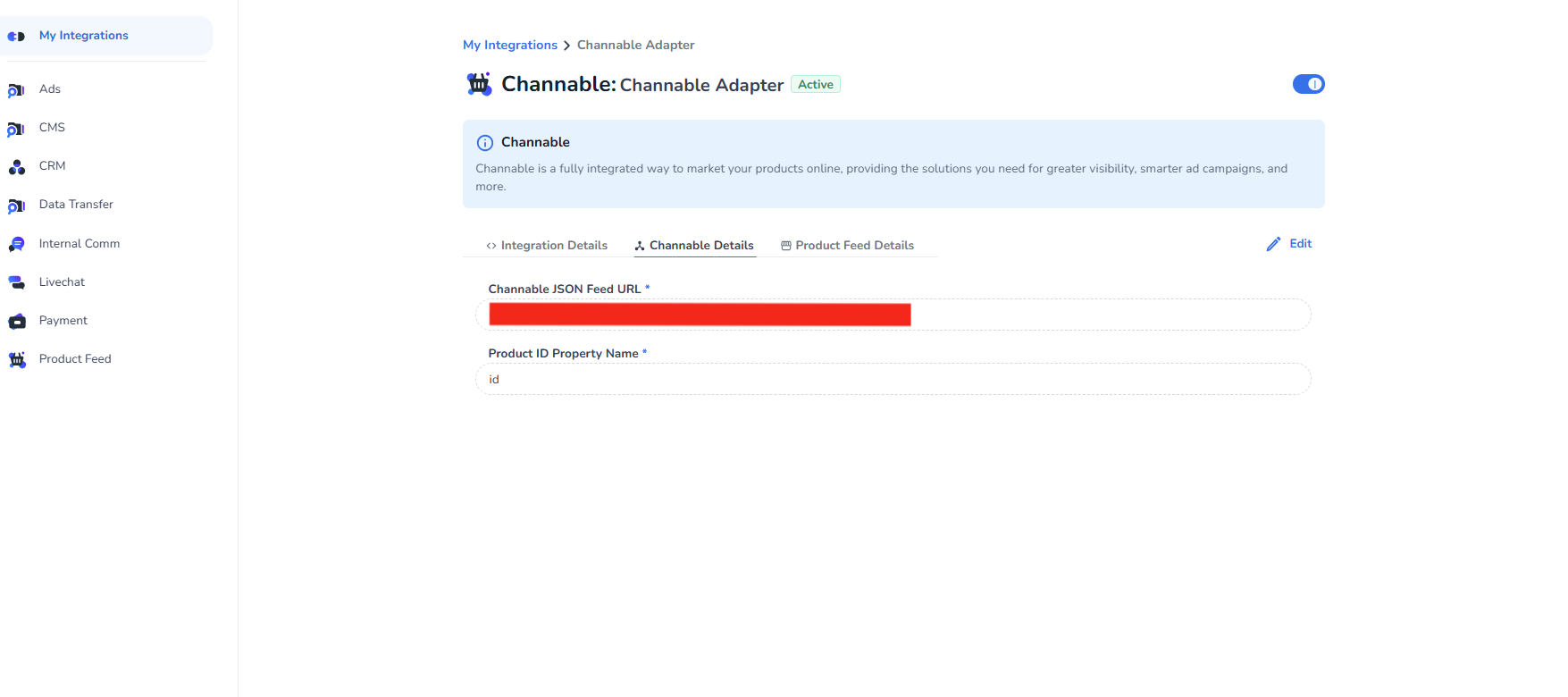
Details under Channable Details
-
In Channable JSON Feed URL, provide the link of the file that you have copied from Channable.
-
In Product ID Property Name, provide the property field name which contains IDs of products in the Channable JSON file.
This is case sensitive.
2. Details under Product Feed Details
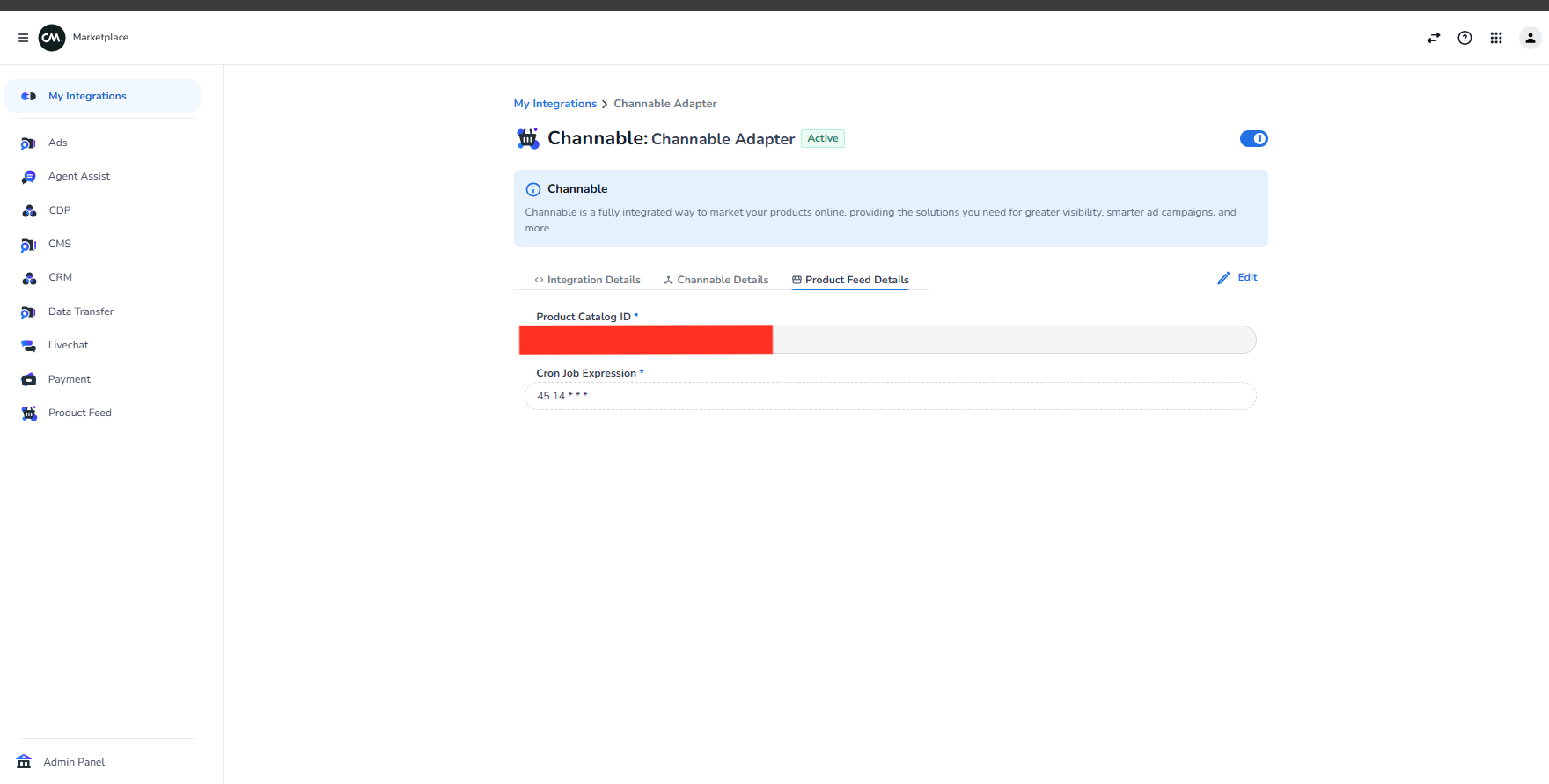
- Create a new **Product Catalog **in CM Product Feed.
- In **Product Catalog ID **field, enter the Product Catalog ID which is created on CM Product Feed.
It must be a GUID.
You can't edit Product Catalog ID once the integration is created.
- Enter the CRON job.
- Click Save.