Customer Setup - Channable
1. Setup In Channable Portal
-
Select the project from dashboard.
-
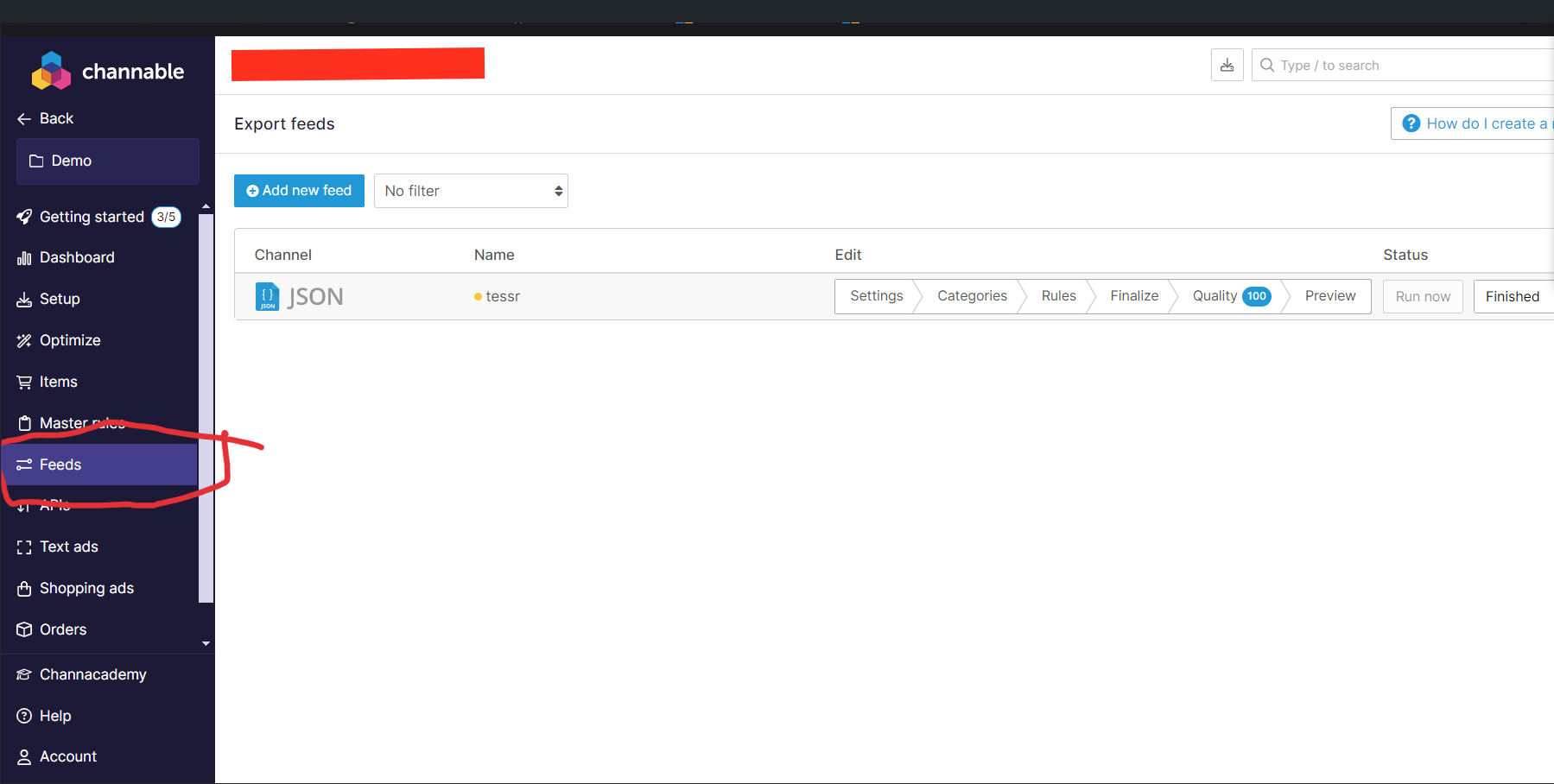
From Left Sidenav bar, Navigate to **Feed **and click on **Add New Feed **Button
-
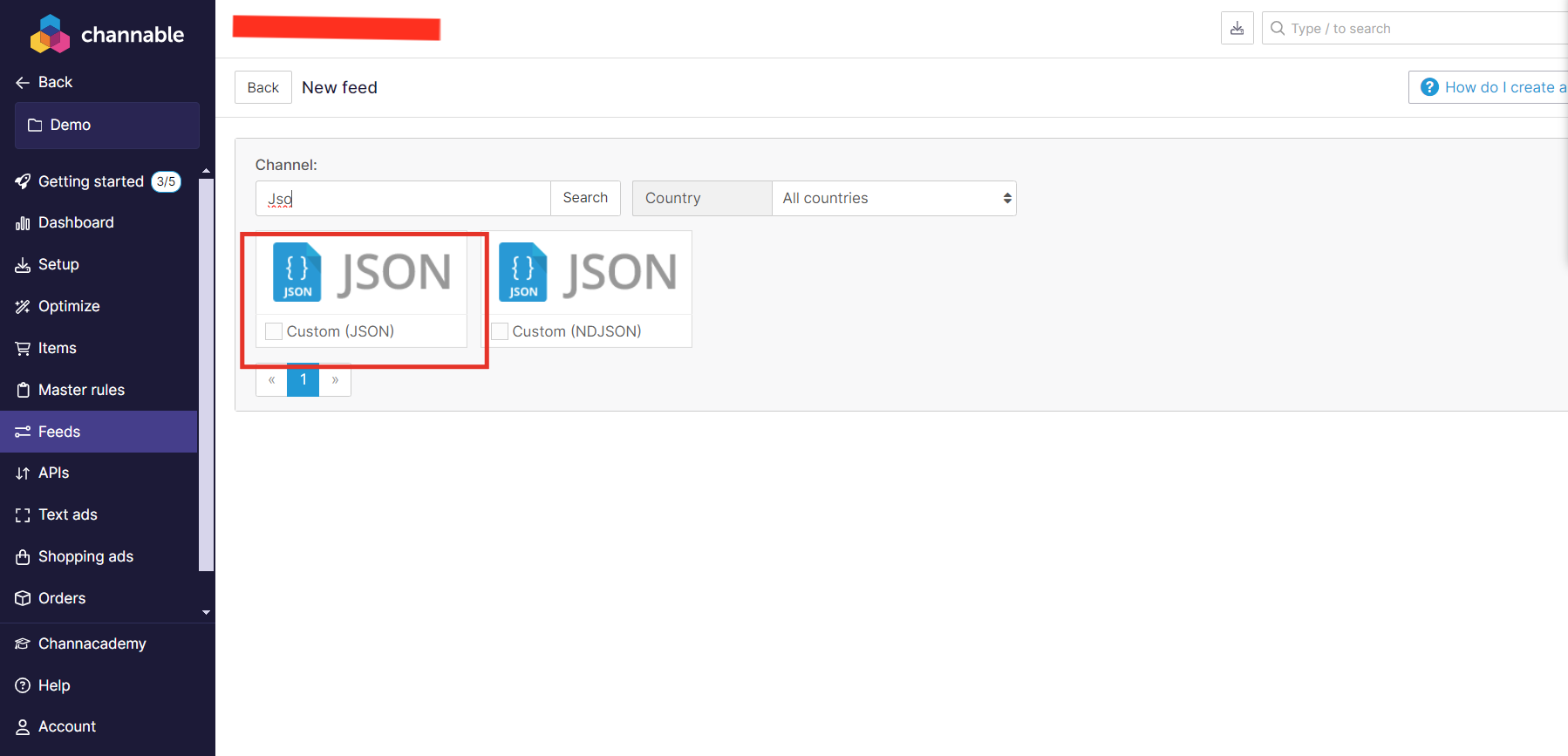
In Search bar, search for “JSON” and select
Custom (JSON) -
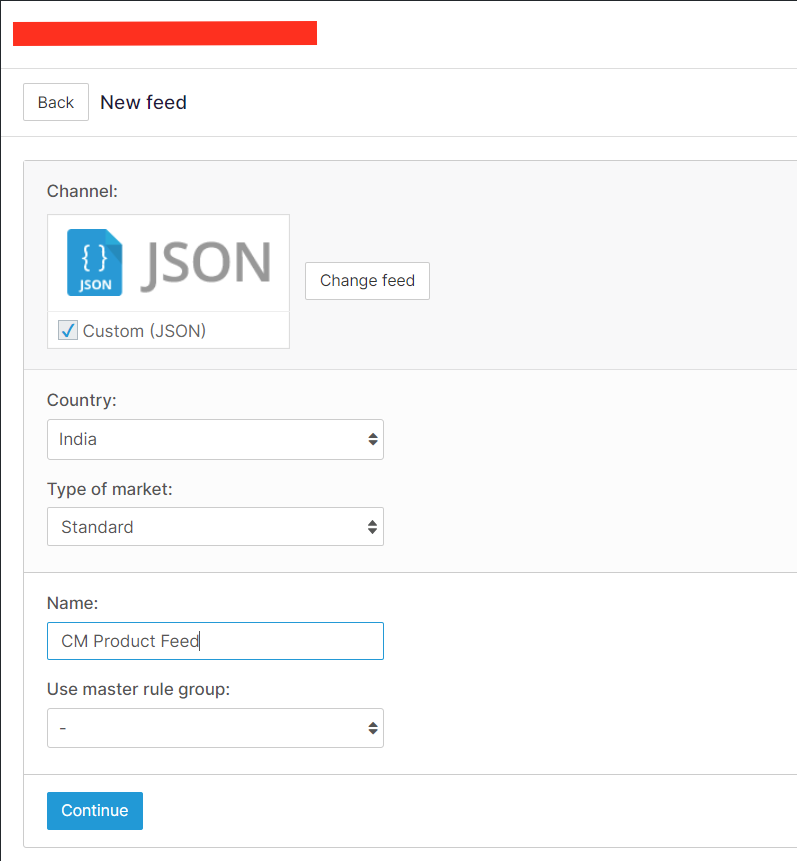
Enter the name and select rule group (if any)
-
If wanted configure
RuleandCategories -
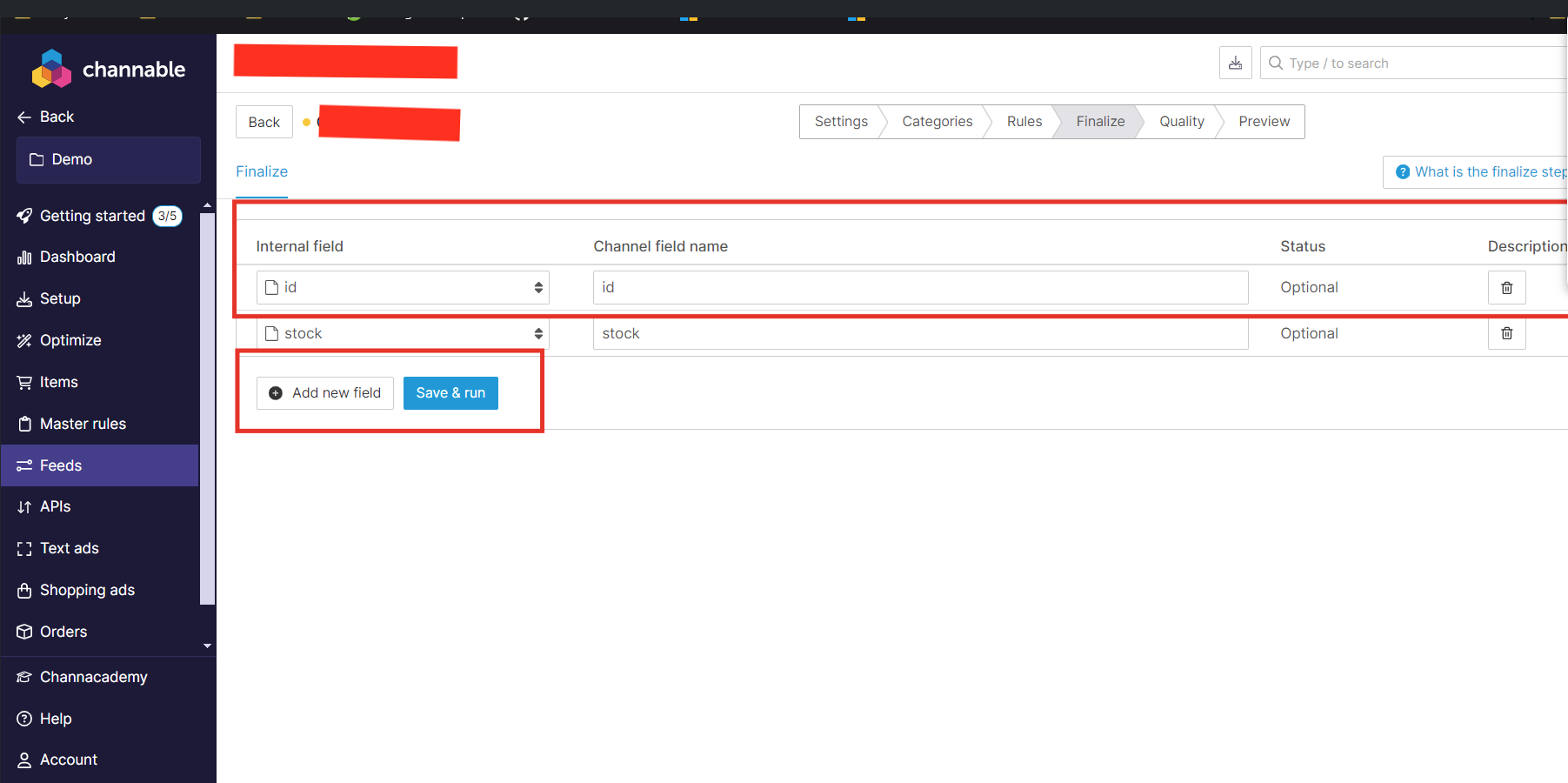
In
Finalizesection, add all the field which customer wants to sync it with product feed.
-
In
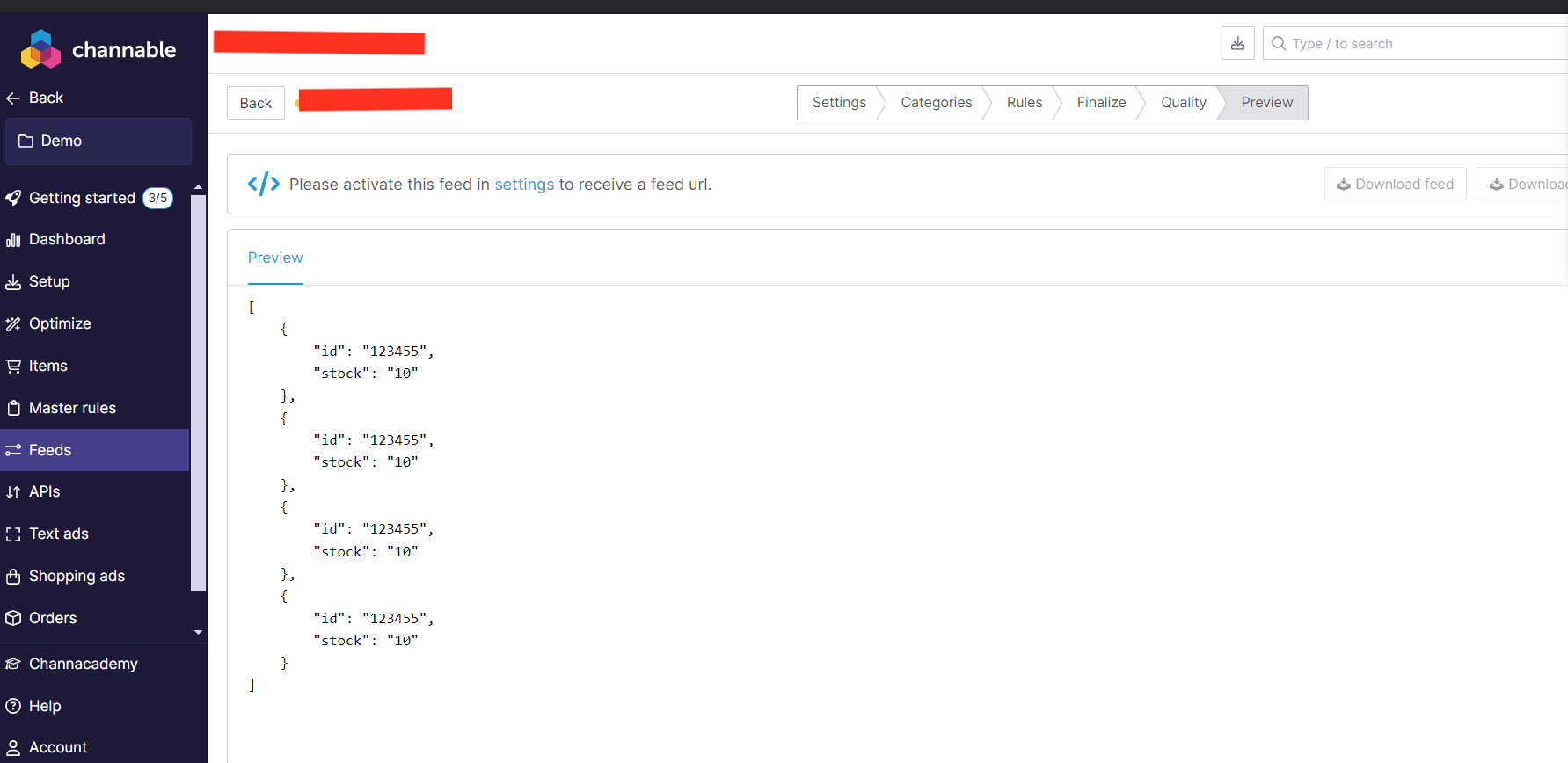
PreviewTab, please review the JSON Response, If it is not same as expected, then make changes inFinalizeTab -
Copy the property (or Field name) from JSON which contains Unique **ID. **(It will be required for creating integration in marketplace)
-
Finally, **Copy **the External public LINK for this JSON Feed.