Setup In Halo for Presence Check
Setup In Halo for presence-check
If Customer wants presence Check, then in web conversations do the following
-
Click on plus icon
-
Enter Title
-
Select Type as
Halo -
Click on create.
-
Setup the theme according to customer
-
For Conversational Router goto to Router and get
Technical LinkandProduct Token -
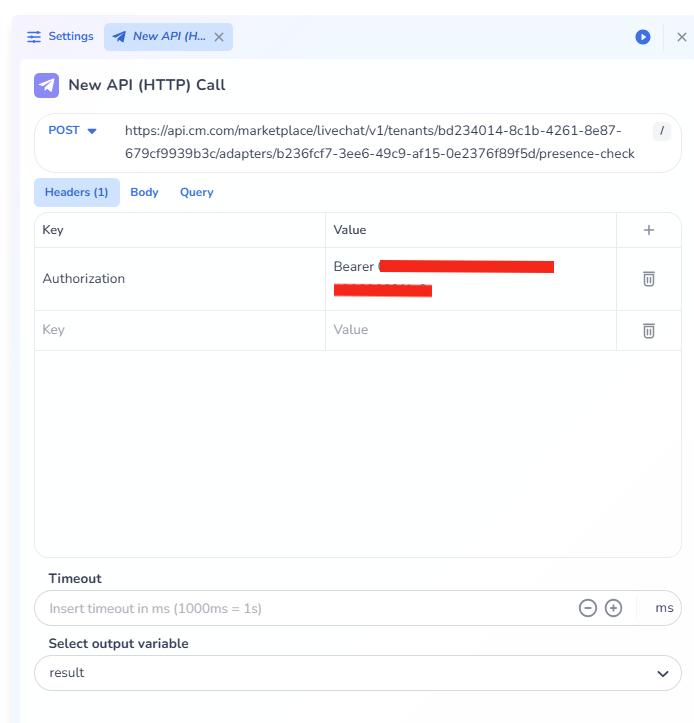
Follow the same steps as the https://cmcom.atlassian.net/wiki/spaces/MKT/pages/2487910500/Setup+In+Web+Conversations+for+Presence+Check?atlOrigin=eyJpIjoiYmQ0MzI4M2JjMWQzNDY5Y2E1NzFlMDlhZmVkZTM1YzAiLCJwIjoiYyJ9 and the presence check can be done via adding the following