Delivery Setup - Slack
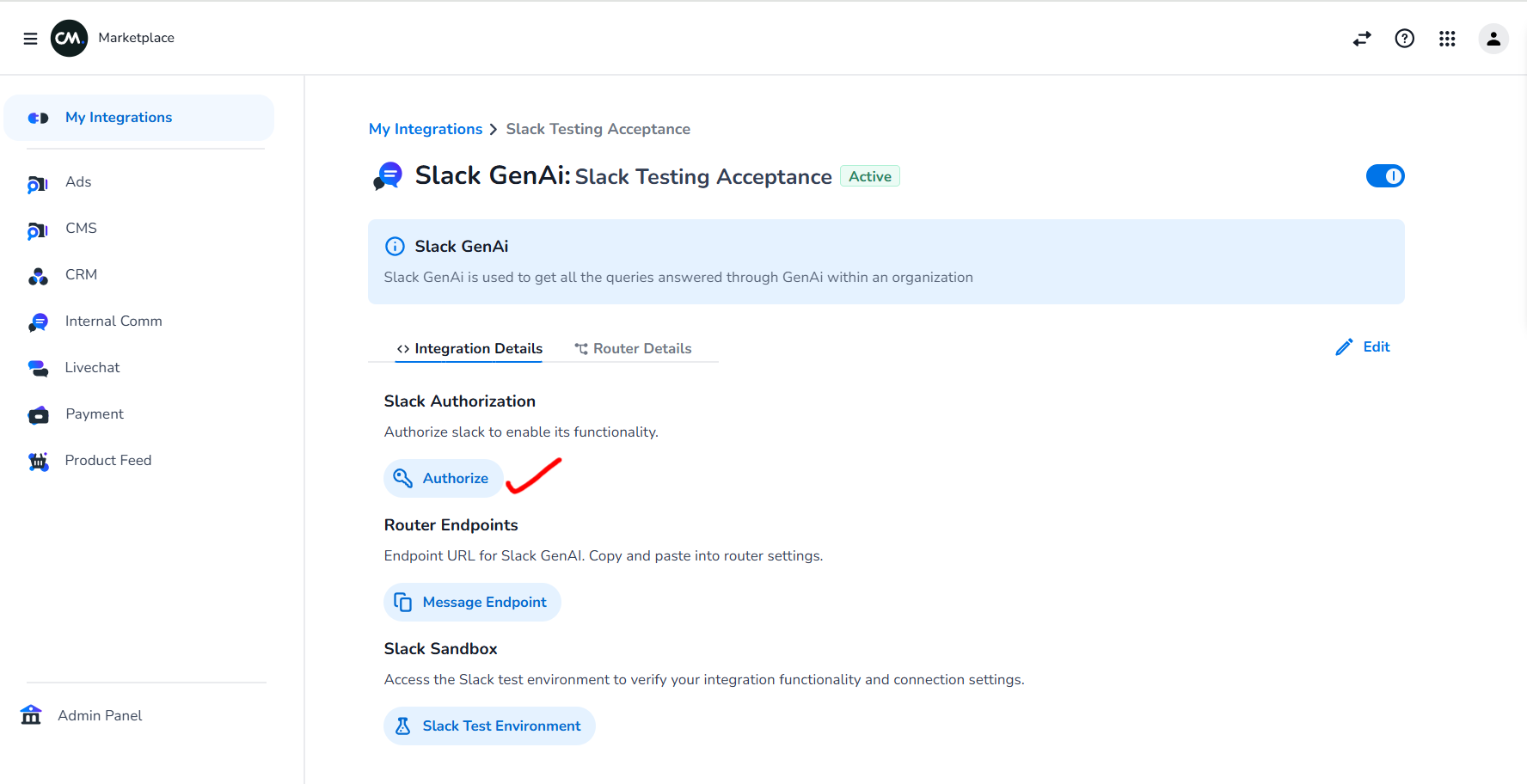
1. Authorize Slack Workspace in Marketplace
Please visit marketplace and do the following: Click on Authorize, this will open up slack workspace and customer has to login to authorize. (IT Team of customer should be able to do this). Once its done, customer can see app in slack
Demonstration: Screen Recording 2025-07-24 120236.mp4
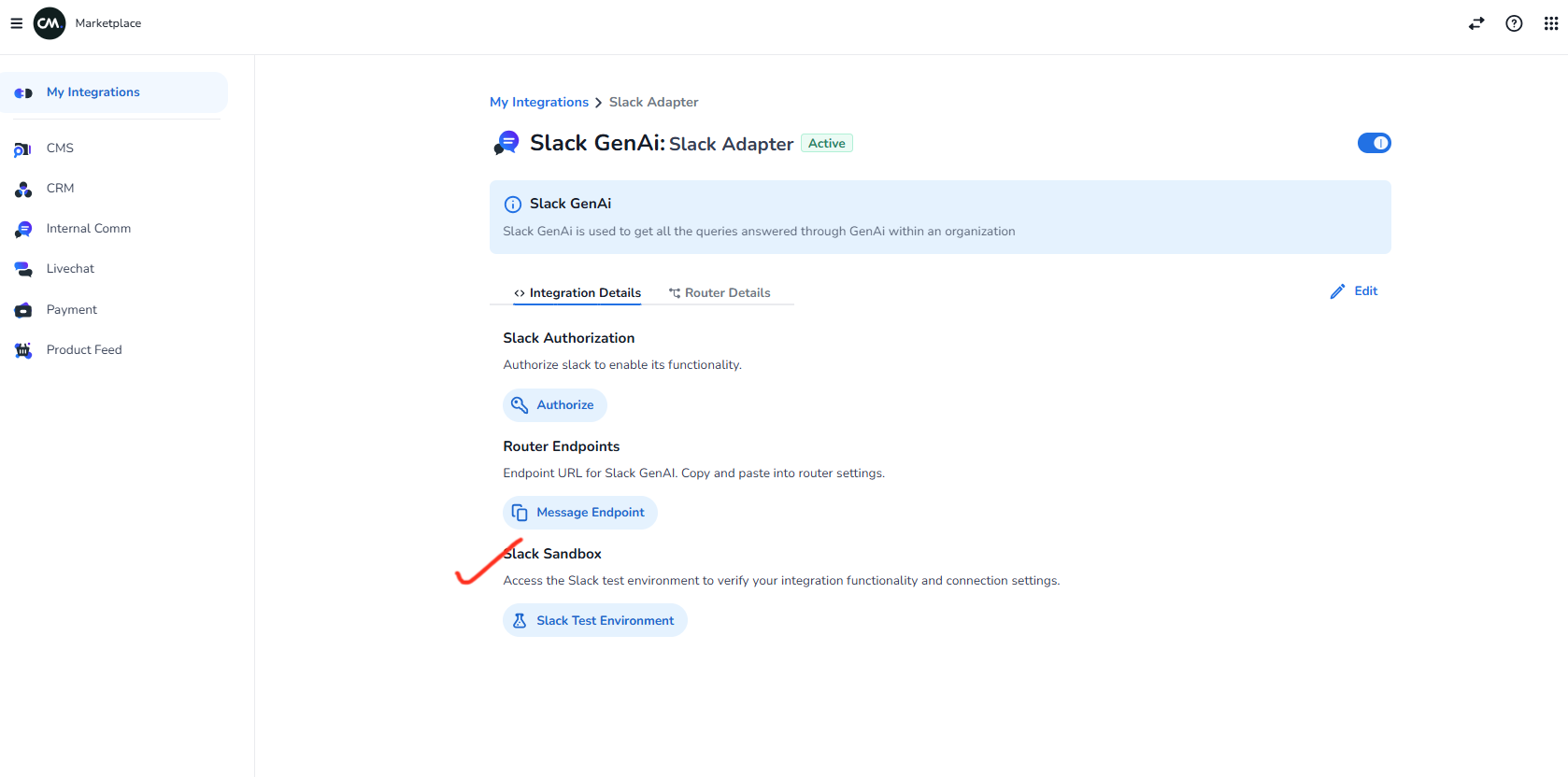
2. Testing Slack Bot in Slack Marketplace Test Environment
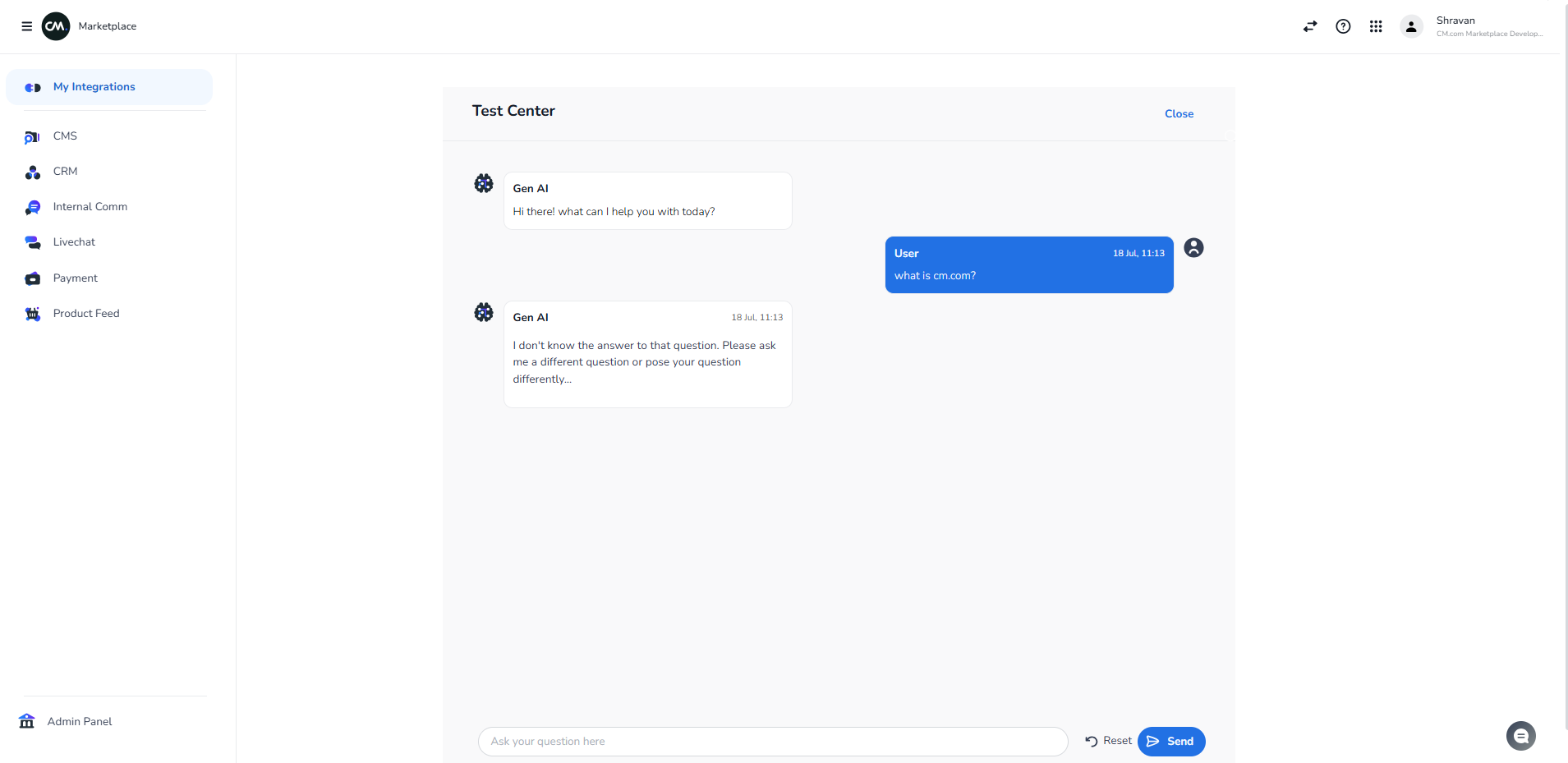
For using the bot in slack you can test it beforehand in the Slack Marketplace Test Environment as shown in below images