Setup In Marketplace U.I
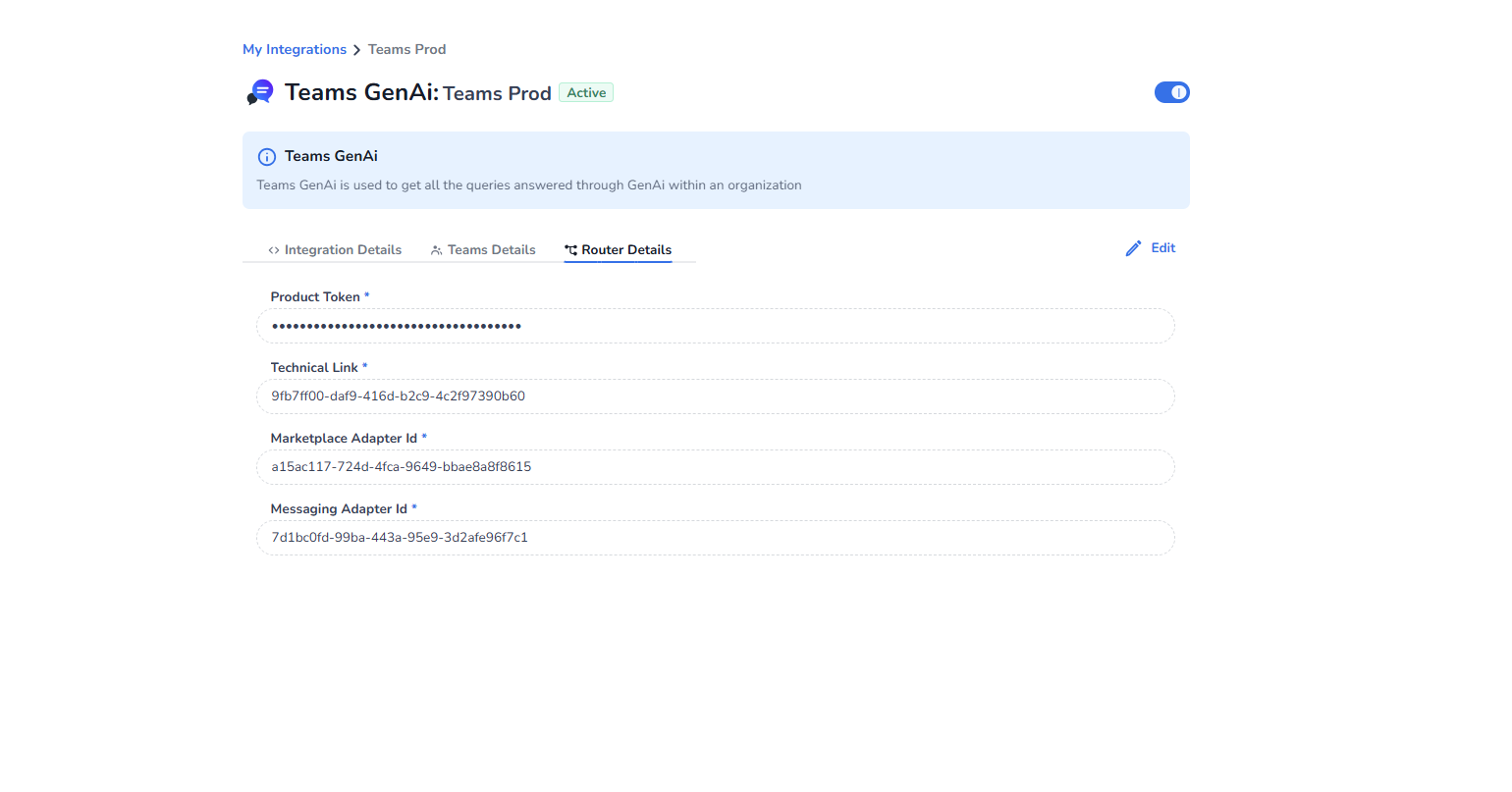
We are filling fields of CCaaS and Router, it will look like this at end
Fill Form Fields under Router Details
-
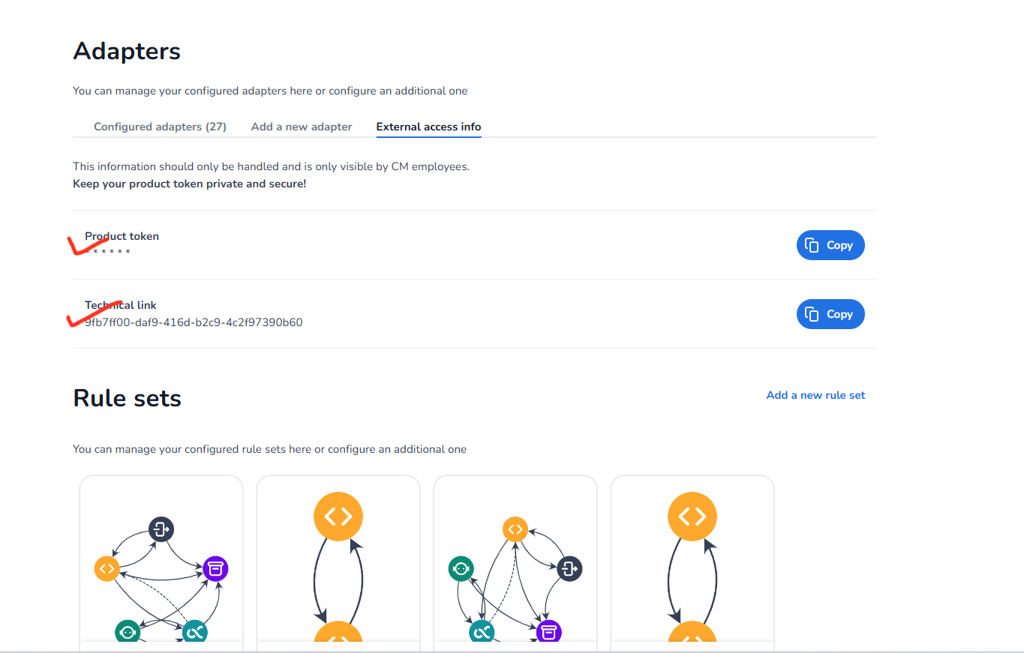
Navigate to External Access Info Tab in Conversational Router and copy down the Product Token and Technical link
-
Now Copy Outbound URL of the Messaging Adapter(CAIC/Gen AI/HALO two way adapter) and marketplace internal comm two way adapter from the **Conversational Router ** paste the URL in a new tab and then extract/copy the adapter id from the URL i.e. copy the "x" part in /adapter/{x}
below is example do the same for the three.
Before following this step ensure initial setup in Conversational Router is done
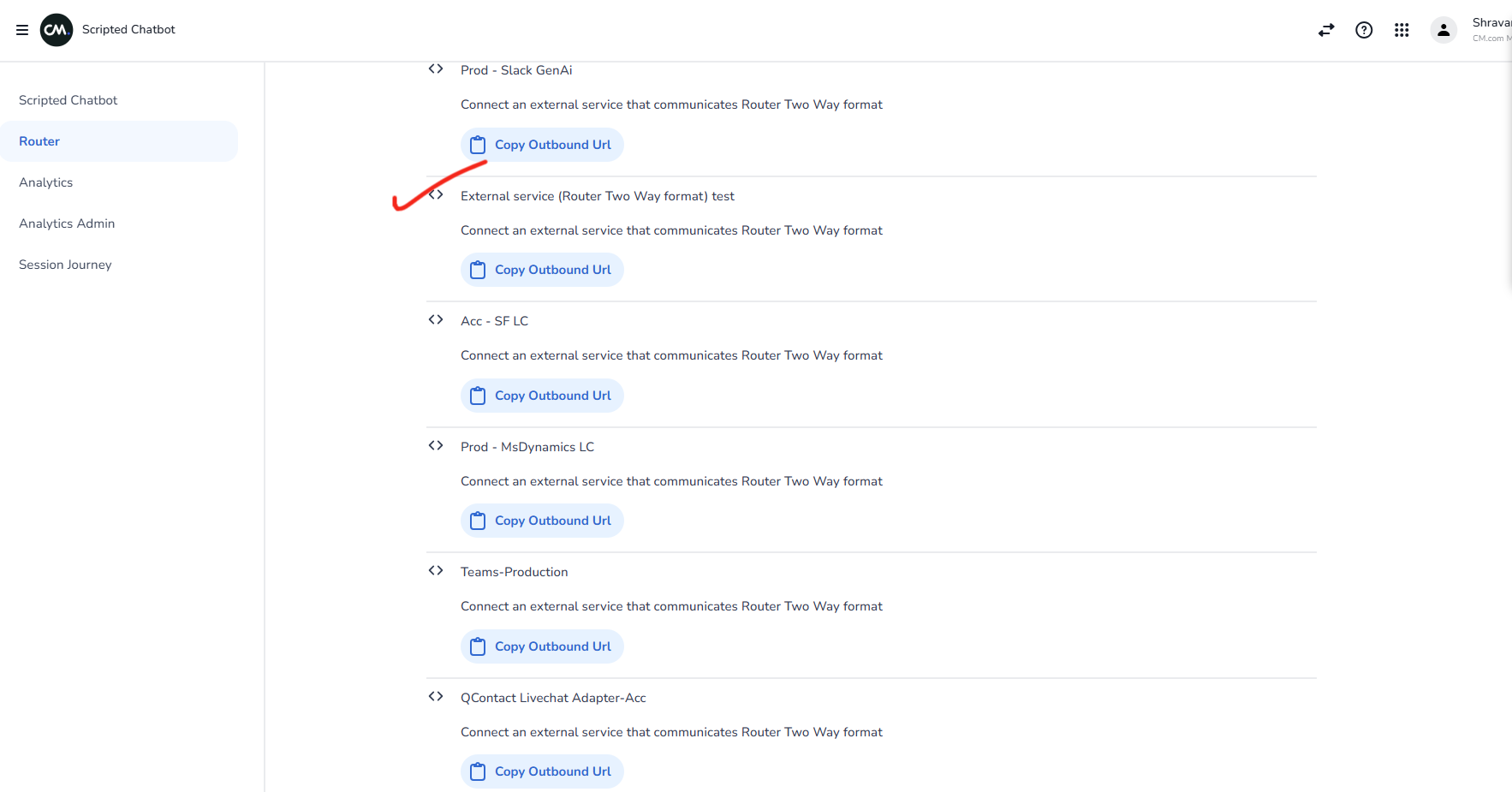
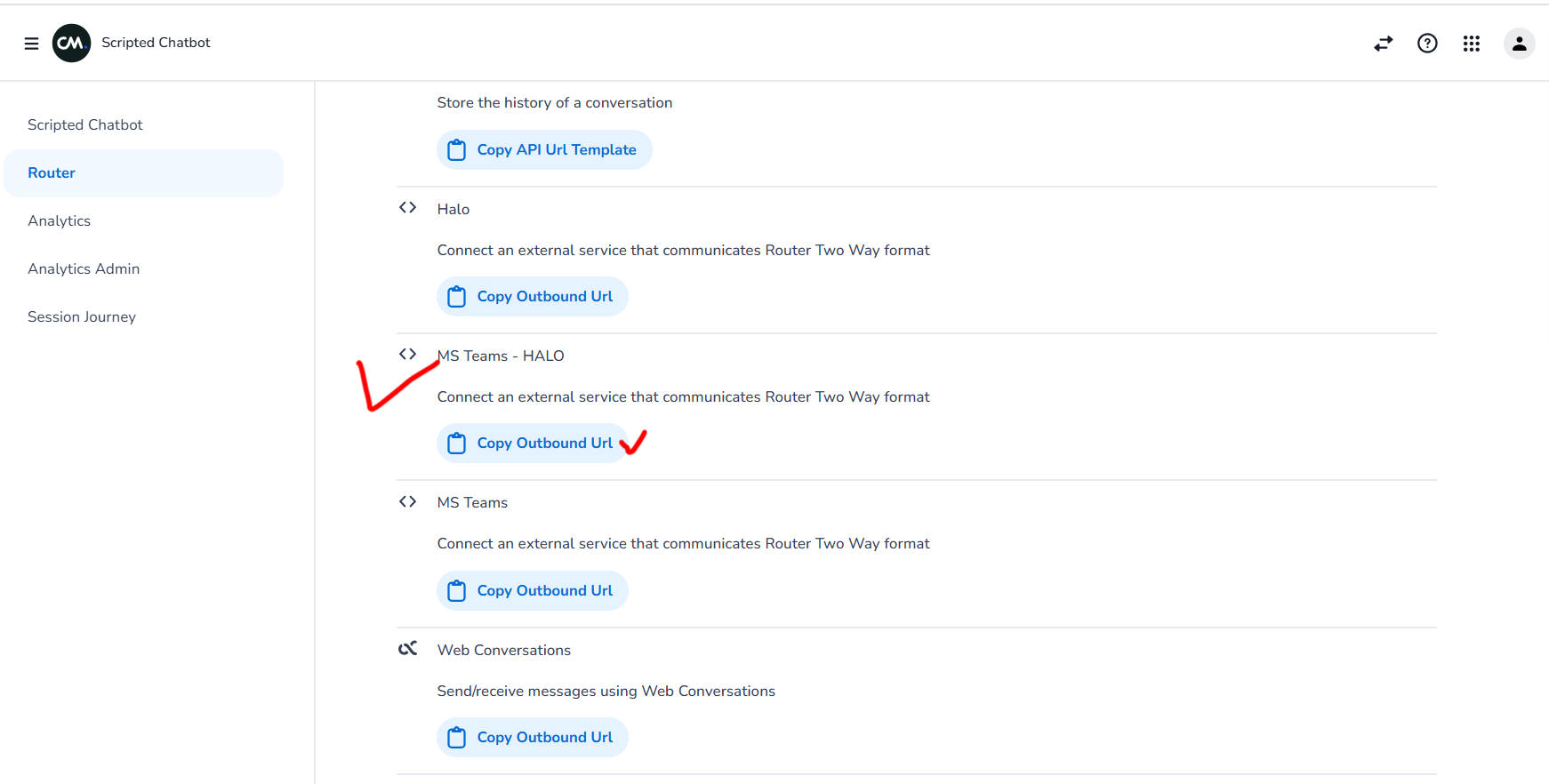
Now Input the Extracted Adapter Id of the Messaging Adapter(CAIC/Gen AI/HALO two way adapter) as Messaging Adapter Id and the marketplace internal comms two way adapter(created in Configure Marketplace Livechat Integration) as Marketplace Adapter Id in the form fields.
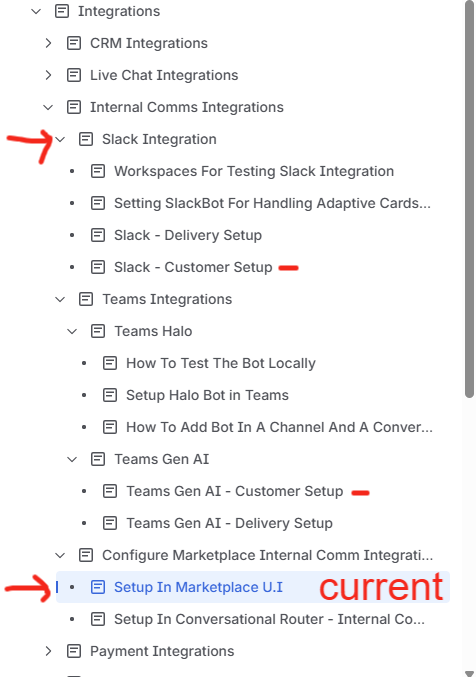
If you want to view customer setup which needs to be done before hand by customer go to the Internal Comms Integrations and then the corresponding Internal Comms integration page (integration name followed by Customer Setup) as shown in the image below(marked in "-")

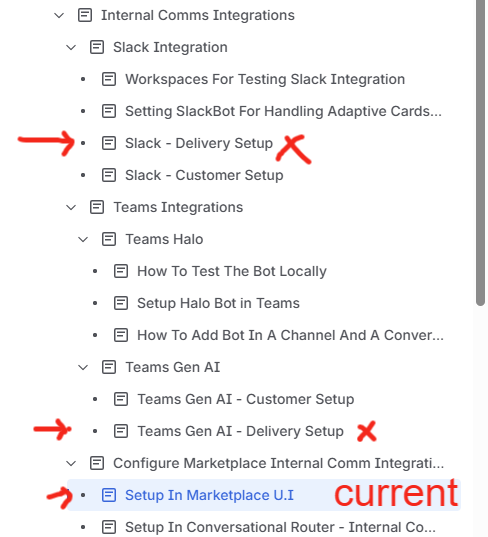
If you want to view delivery setup which needs to be done before hand by delivery team go to the Internal Comms Integrations and then the corresponding Internal Comms integration page (integration name followed by Delivery Setup) as shown in the image below(marked in "x")