Delivery Setup for Zendesk Ticketing
Delivery Setup
This guide explains how to configure the Zendesk Ticketing CRM integration on our platform using the information provided by the customer.
1. Prerequisites
Ensure you have the following details from the customer:
- Base URL
- Username
- Password
2. Configure the Zendesk Ticketing CRM Integration
Steps to Configure API Access:
- Log in to the Marketplace platform.
- Navigate to the Integrations > CRM section.
- Select Zendesk Ticketing CRM from the list of available integrations.
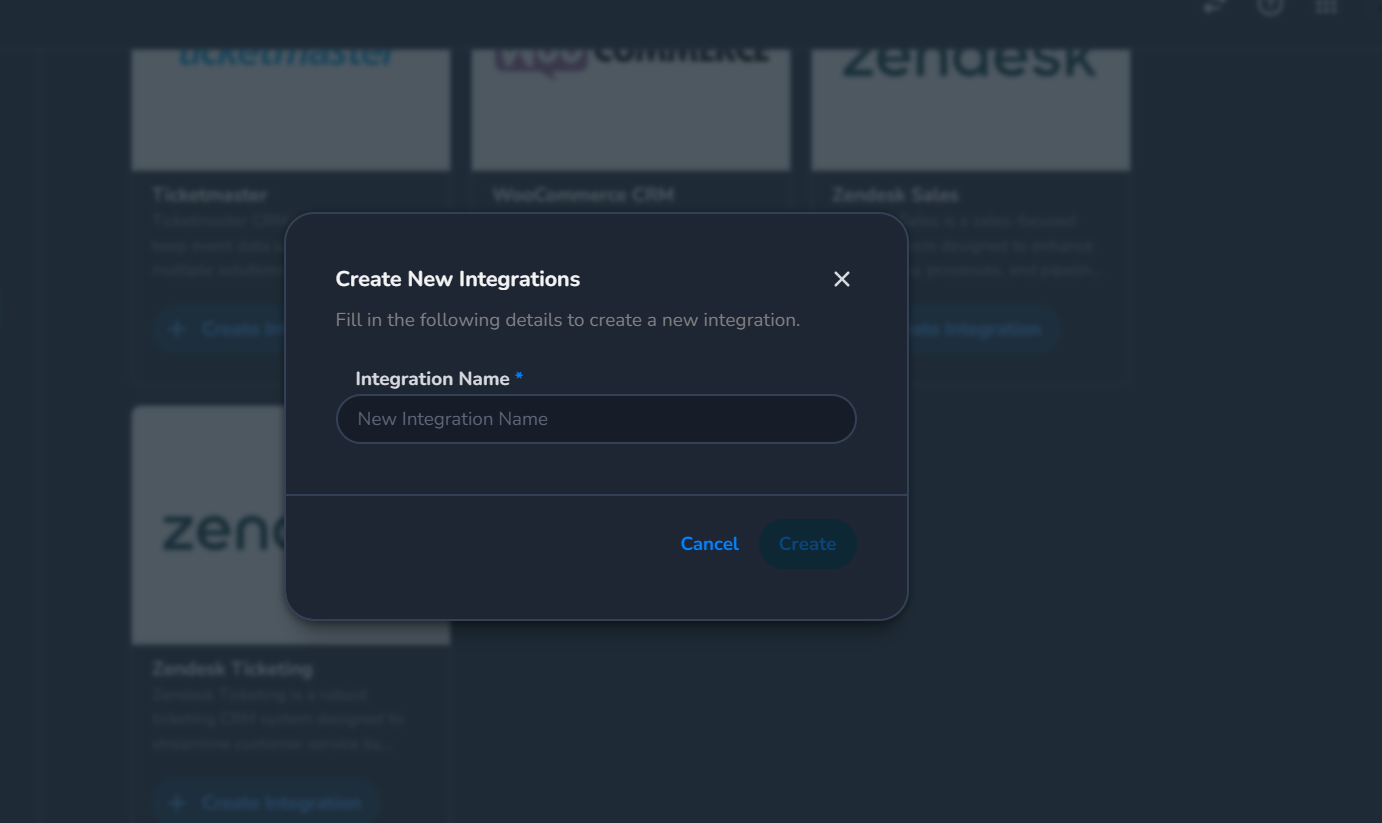
- Click on Create Integration and provide a descriptive name (e.g., "Zendesk Ticketing CRM Production Integration").
- In the Zendesk Ticketing CRM Details section, enter the following:
- Base URL: Paste the Base URL provided by the customer.
- Username: Enter the customer's Zendesk login email.
- Password: Enter the customer's Zendesk account password.
- Save the integration to establish the connection.