On Demand Sync
On-demand sync retrieves event data from Ticketmaster for a specified start and end date. The synced events are then displayed in the CDP’s event logging section.
Steps To Perform On Demand Sync
-
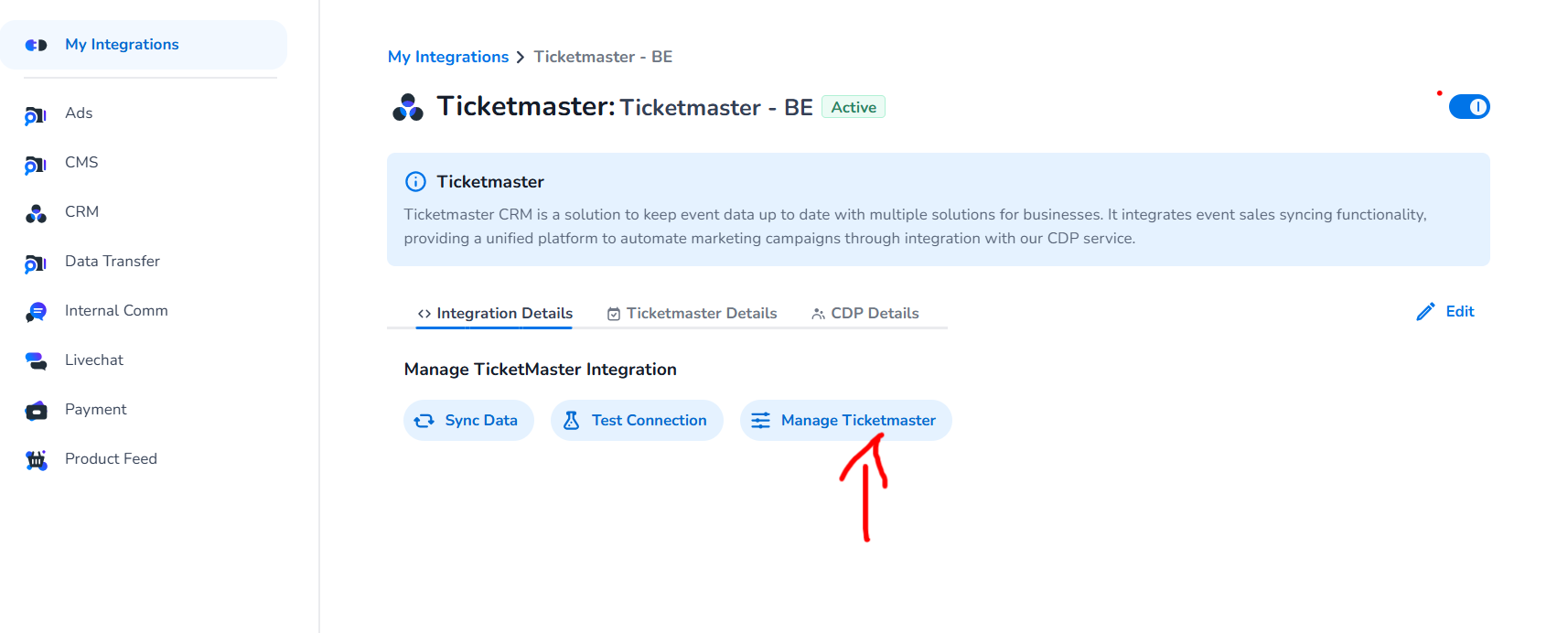
Click Manage Ticketmaster button as shown below.
-
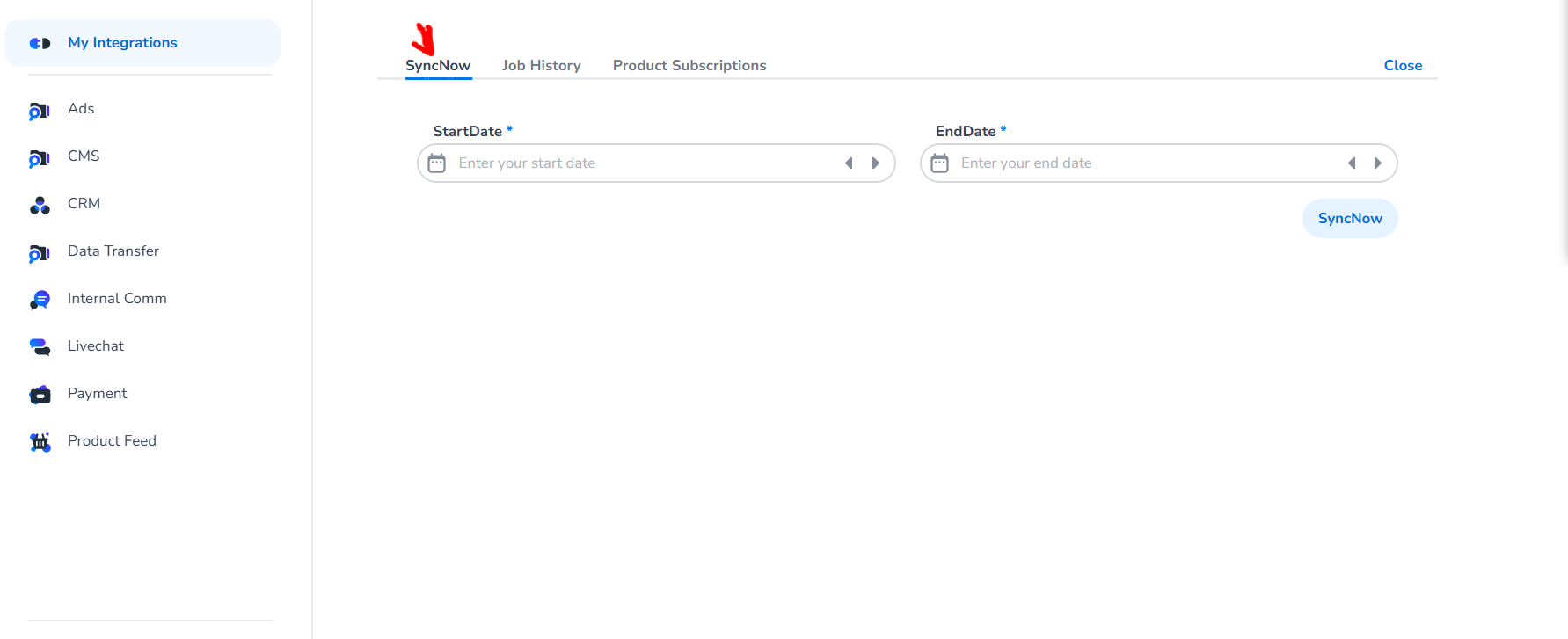
Navigate to SyncNow tab as shown below
-
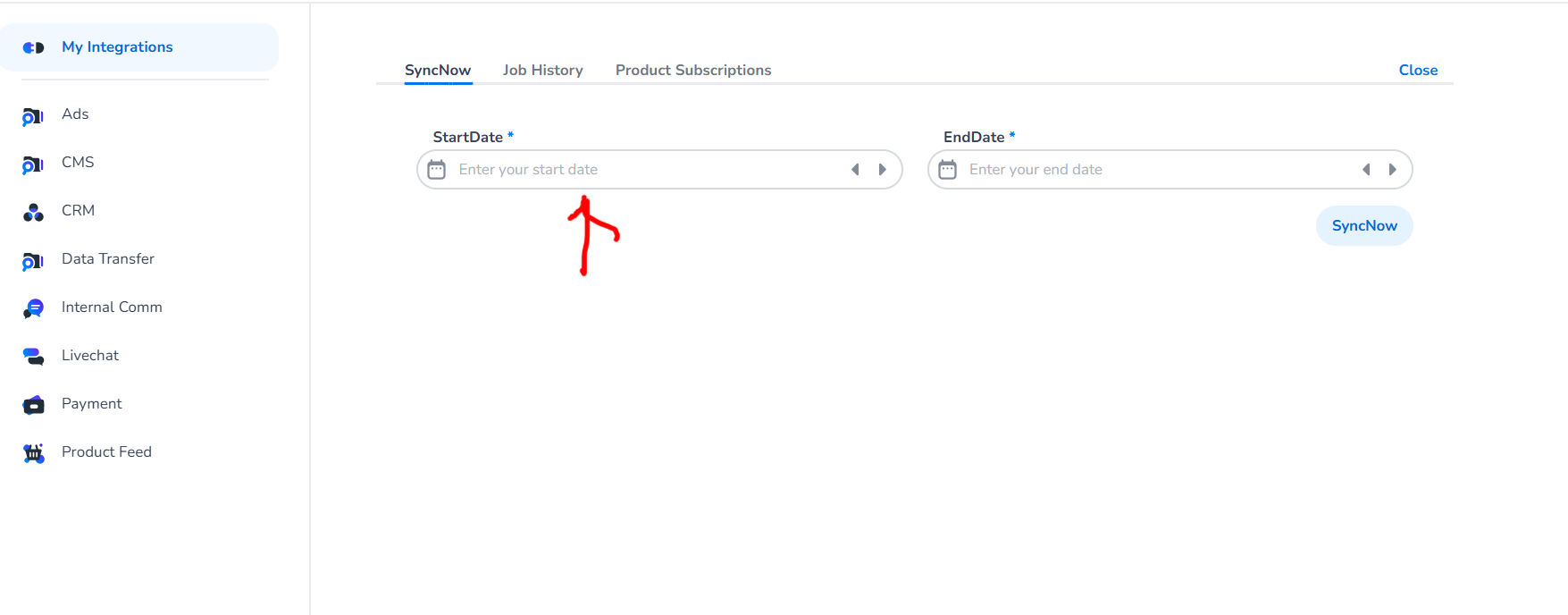
Click on Input field of StartDate as shown below
select your start and end date as shown below
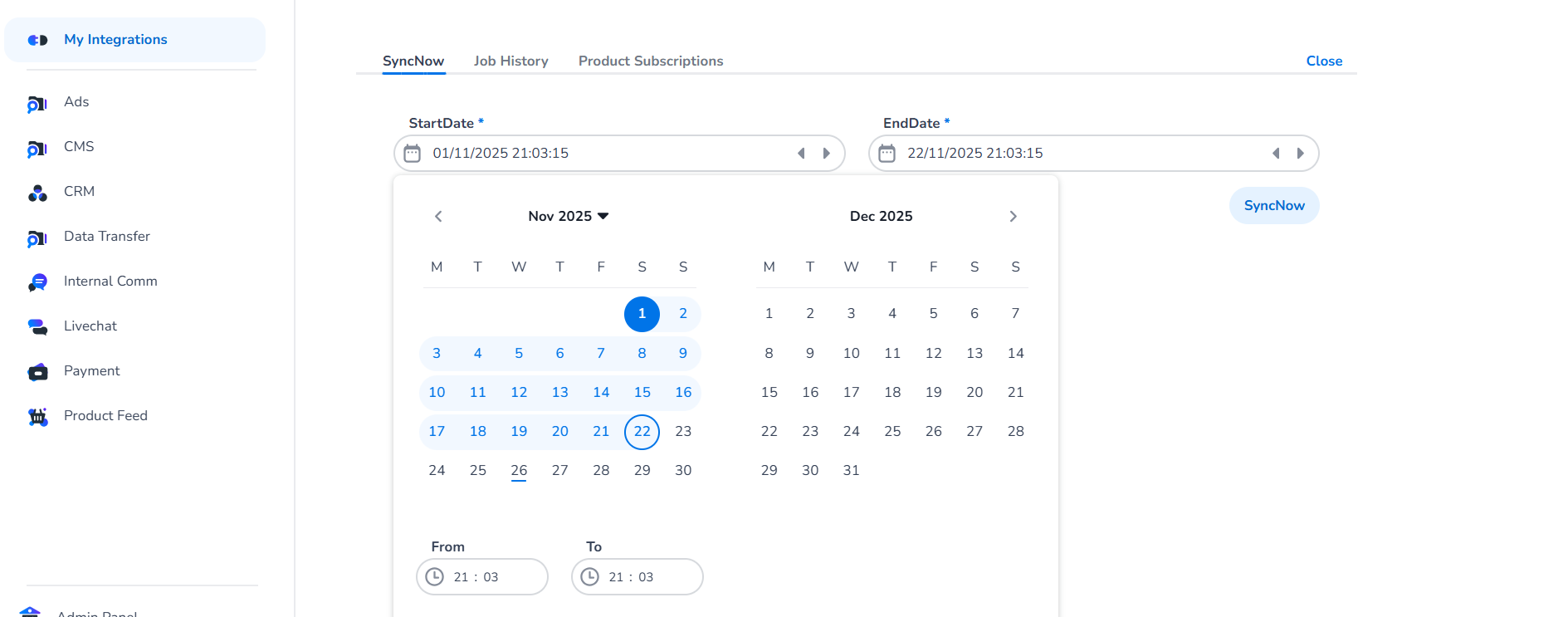
Note that Maximum of 30 days can be synced at a time.