Customer Setup of Hubspot
This guide explains what you, as the customer, need to provide to enable the integration between your HubSpot CRM and Marketplace.
1. Prerequisites
Before proceeding, ensure you have the following:
- A valid email address to create a HubSpot account.
- Admin access to your HubSpot account.
2. HubSpot Account Setup
Follow these steps to create a HubSpot account and generate the required credentials:
Steps to Create a HubSpot Account
- Go to Get started with HubSpot.
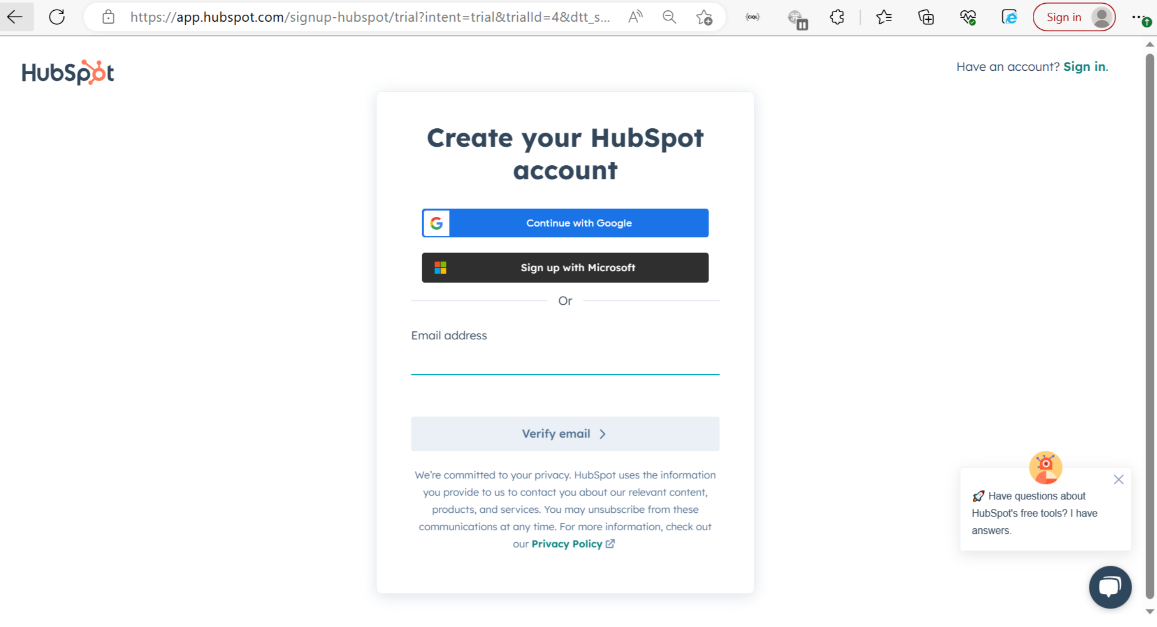
- Enter your email address and click on Verify Email.
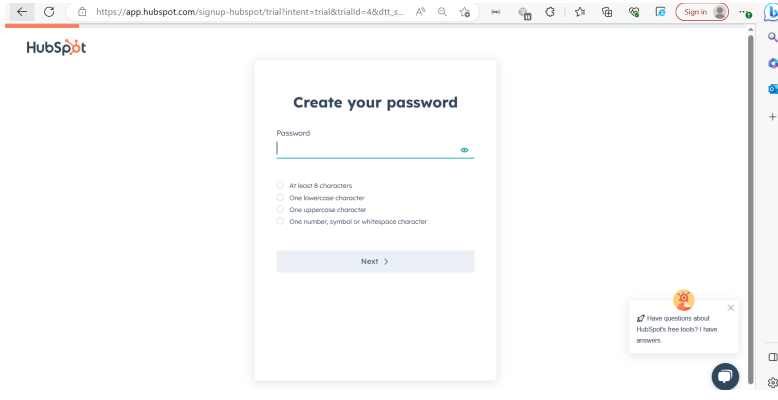
- Create a password for your account.
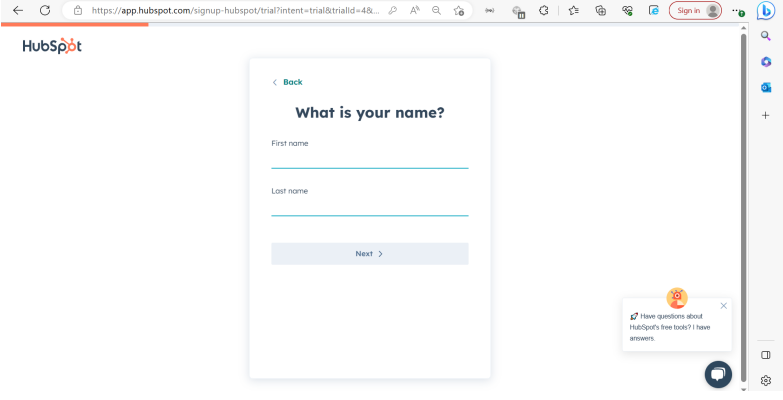
- Enter your name and click Next.
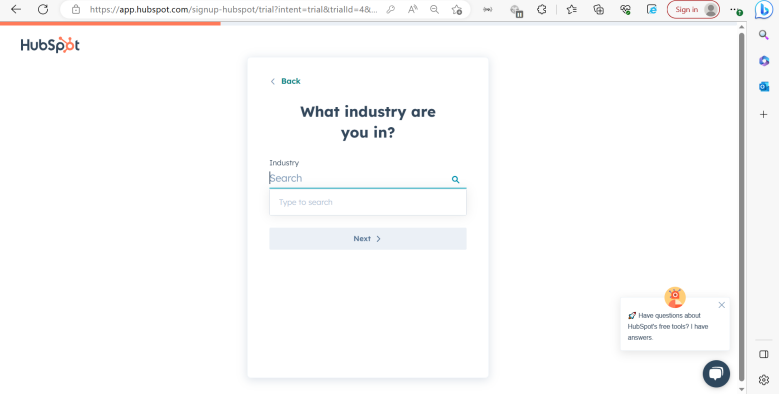
- Enter your industry and click Next.
- Enter your job role and click Next.
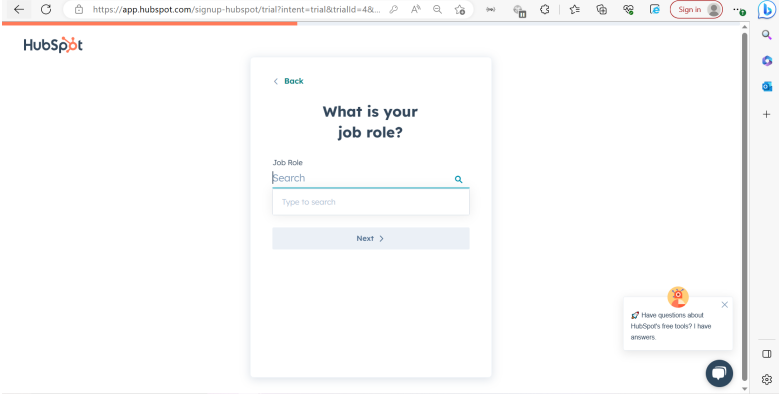
- Enter your company name and click Next.
- Select the number of people working at your company and click Next.
- Enter the URL of your company website and click Next.
- Select the location where you want your data to be hosted.
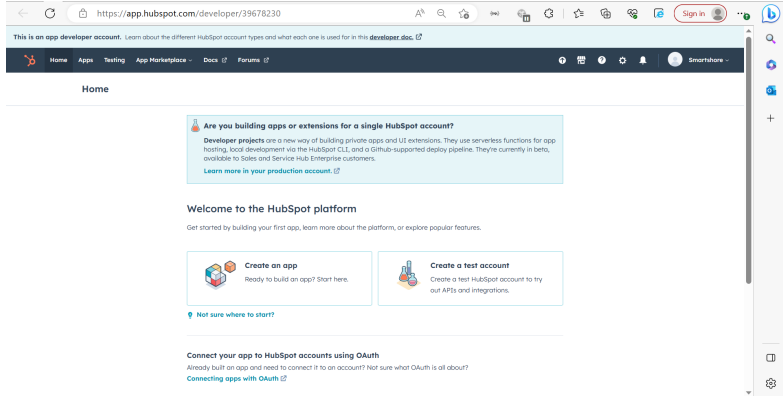
- Click on Create Account. You will now be redirected to the HubSpot portal homepage.
3. Generate Access Token
To enable the integration, you need to create a private app and generate an access token. Follow these steps:
Steps to Generate Access Token
- In the HubSpot portal, click on the Settings icon in the top-right corner.
- Navigate to Private Apps in the left-hand menu.
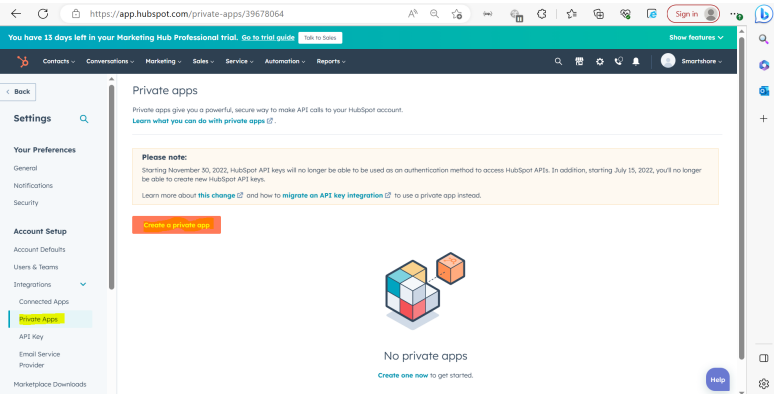
- Click on Create a Private App.
- Enter a name for the app (e.g., "Marketplace Integration").
- Click on Scopes and select the required scopes for the integration:
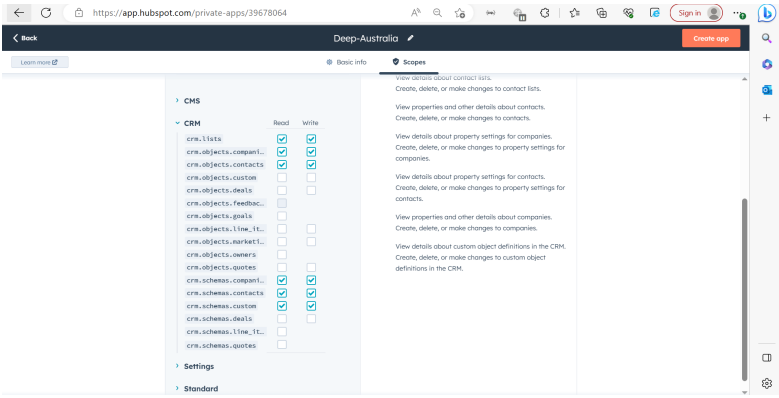
- Click on Create App.
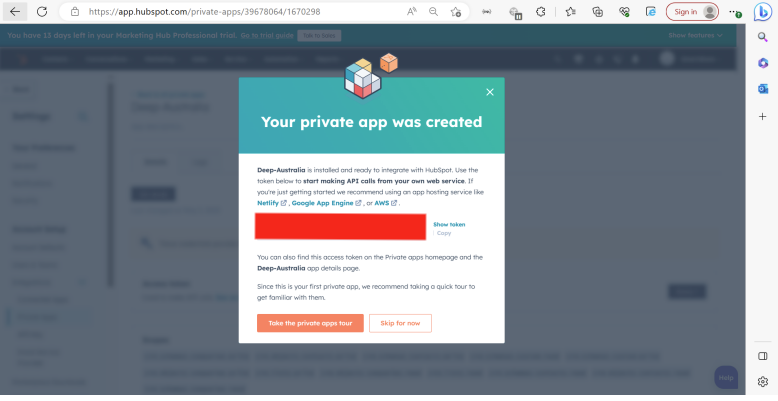
- Once the app is created, click on Show Token and copy the Access Token value.Save it securely, as it will not be displayed again.
4. Provide Details to the Delivery Team
Once you have the following details, share them with the delivery team:
- Access Token