How to use CRM Integrations
To invoke CRM Endpoints from MSC dynamic integration, you need following details
- URL
- Authentication
- Payload
URL
You can copy url from the Endpoint Details when you create a new CRM integration in Marketplace.
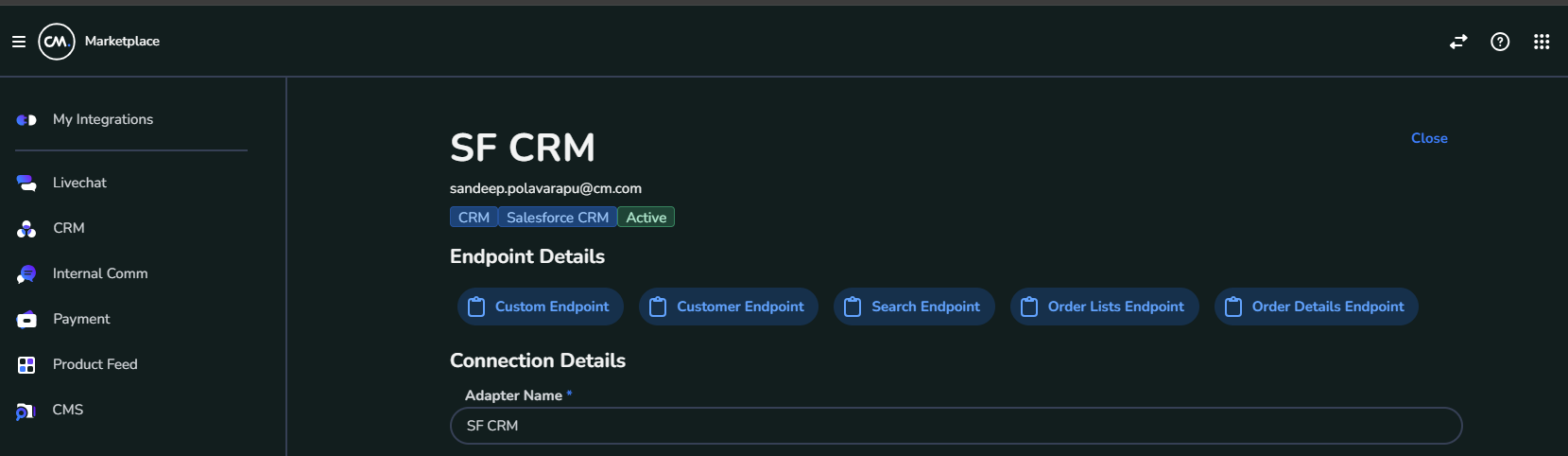
Authentication
Url Copied in above contains query string apikey which is already populated with value.
If you cannot use query string, then you need to add Header having Key Authorization with value of apikey in url
Payload
**Common Endpoints: **
Marketplace has already defined few of the most commonly used endpoints.
-
Customer: gets the customer by email and phone number. Append email and/or phone to url with values
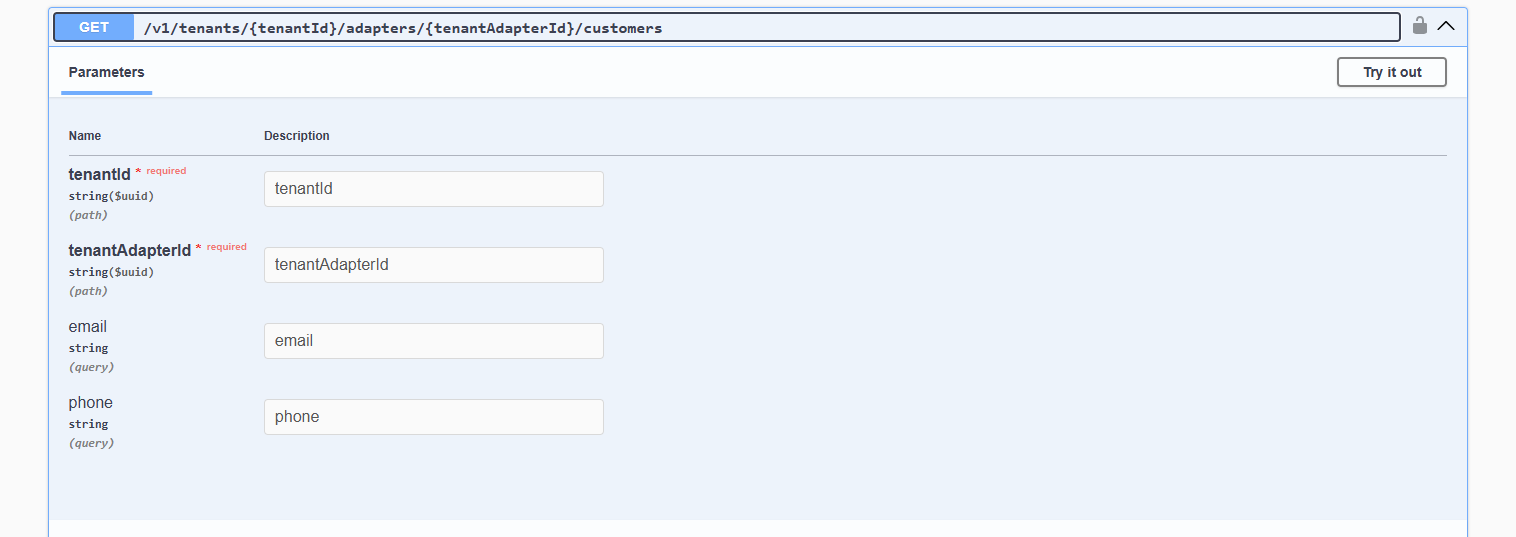
-
Orders: gets the order by email and phone number. Append email and/or phone to url with values
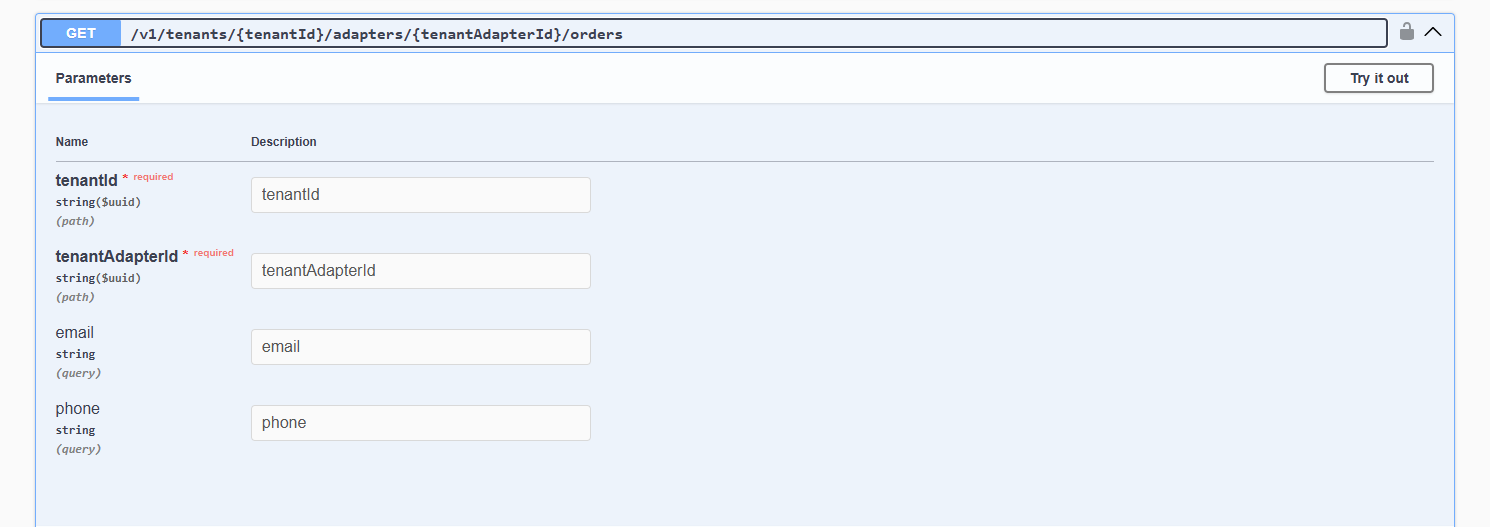
-
OrdersById: gets the orders by Id
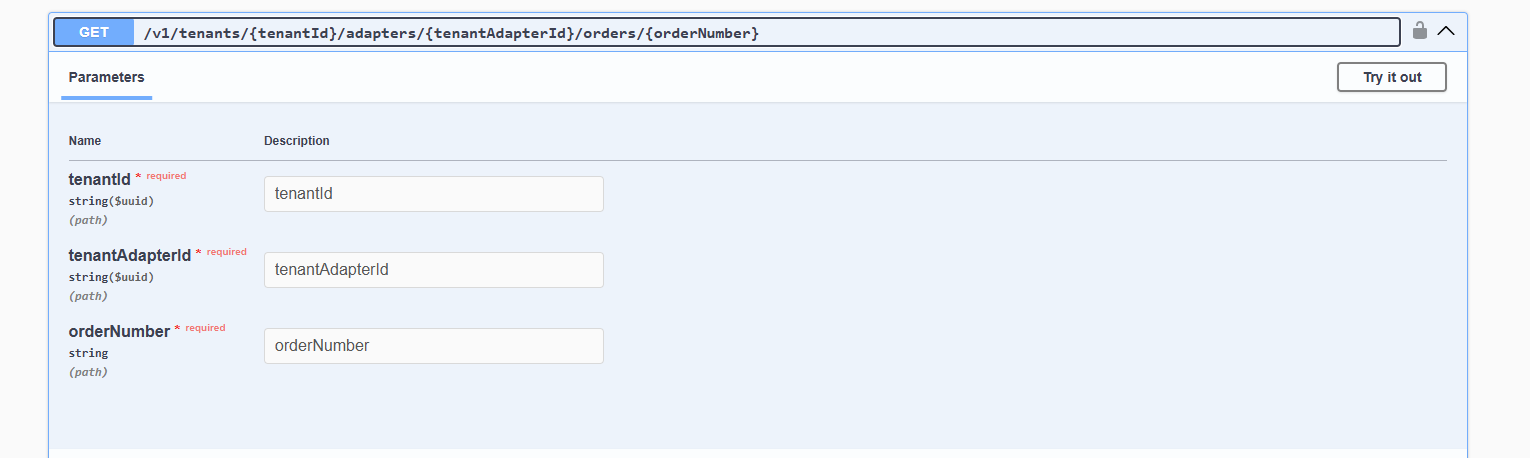
-
Search: finds the order/customer by email or phone number. Append email and/or phone to url with values
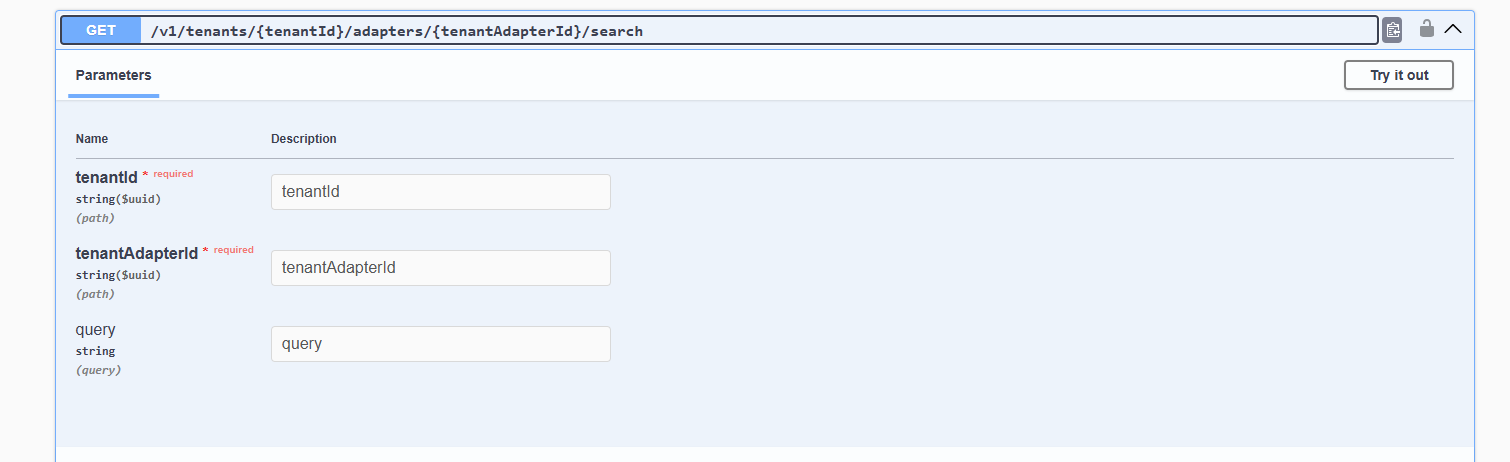
Custom Endpoint:
This endpoint can be used to query any APIs from the available CRMs. You need to provide the
-
HTTP Method
-
Endpoint URL
-
Query Parameters
-
Data (In case of POST or PUT requests)
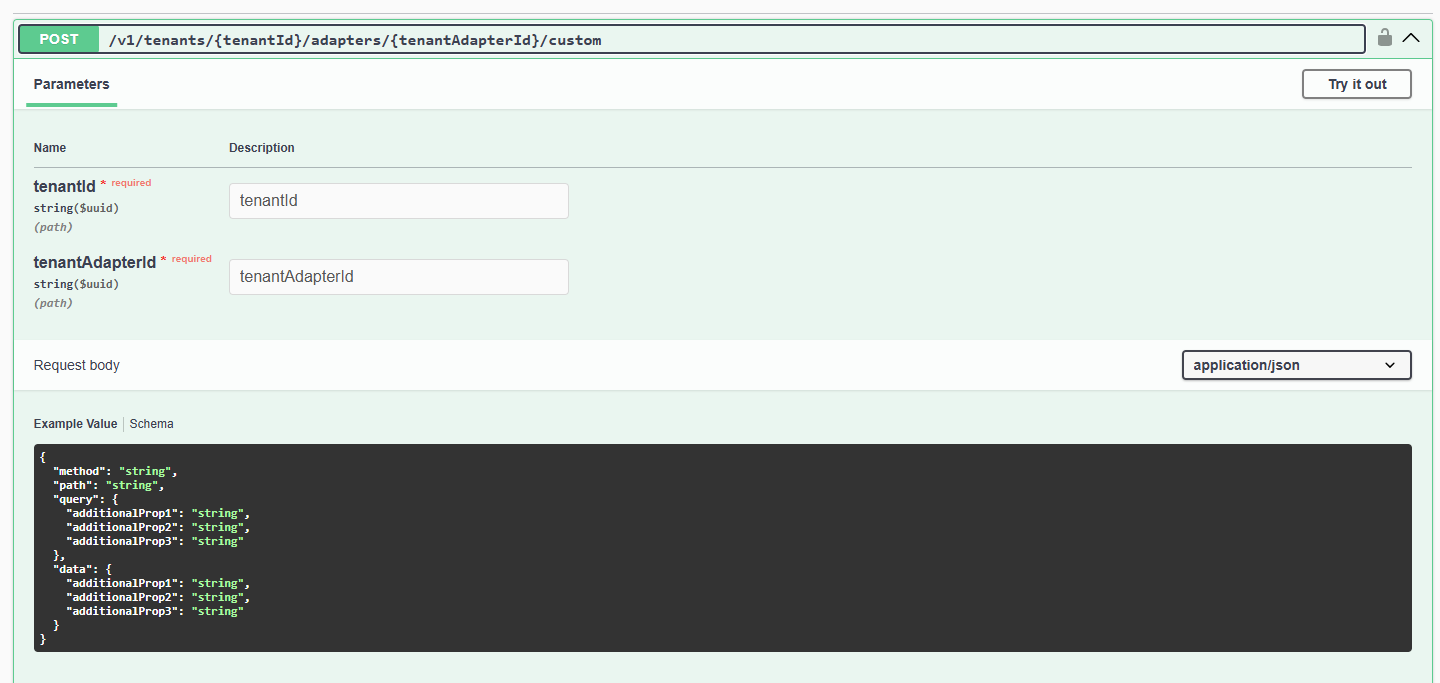
{
  "method": "string",
  "path": "string",
  "query": {
    "additionalProp1": "string",
    "additionalProp2": "string",
    "additionalProp3": "string"
  },
  "data": {
    "additionalProp1": "string",
    "additionalProp2": "string",
    "additionalProp3": "string"
  }
}