Setup In CDP Platform
** Create Event For Desired Integration **
-
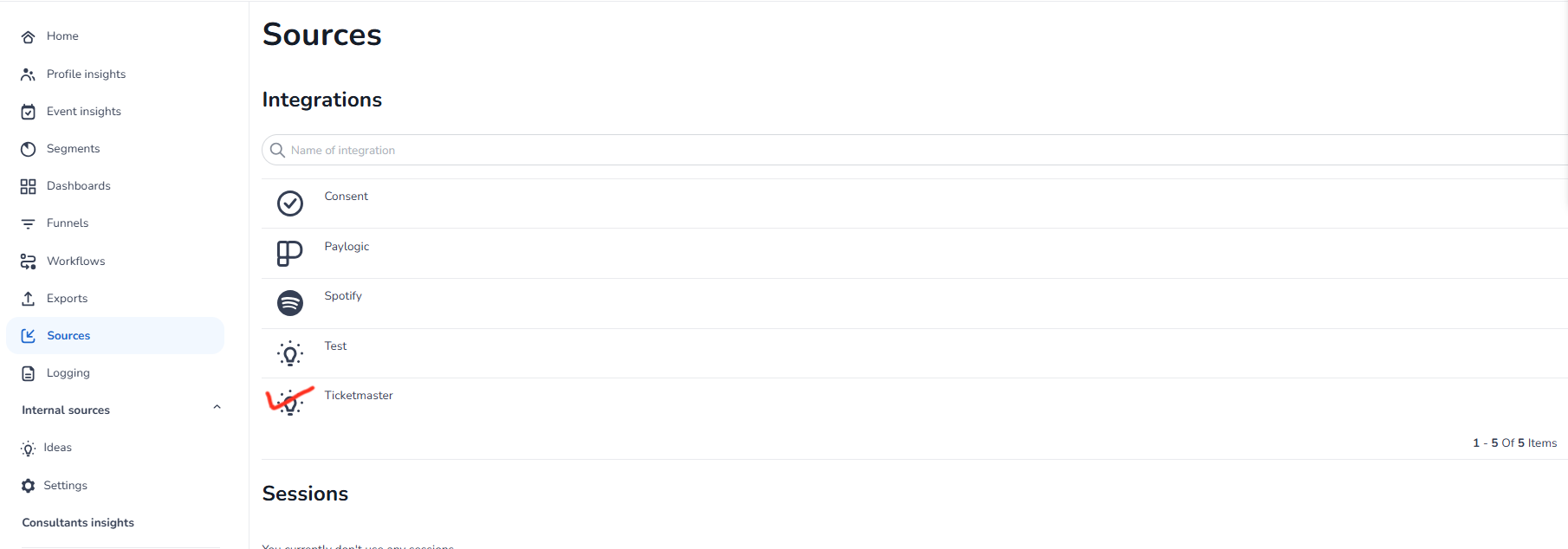
Click on the desired integration for which you want to add the events
-
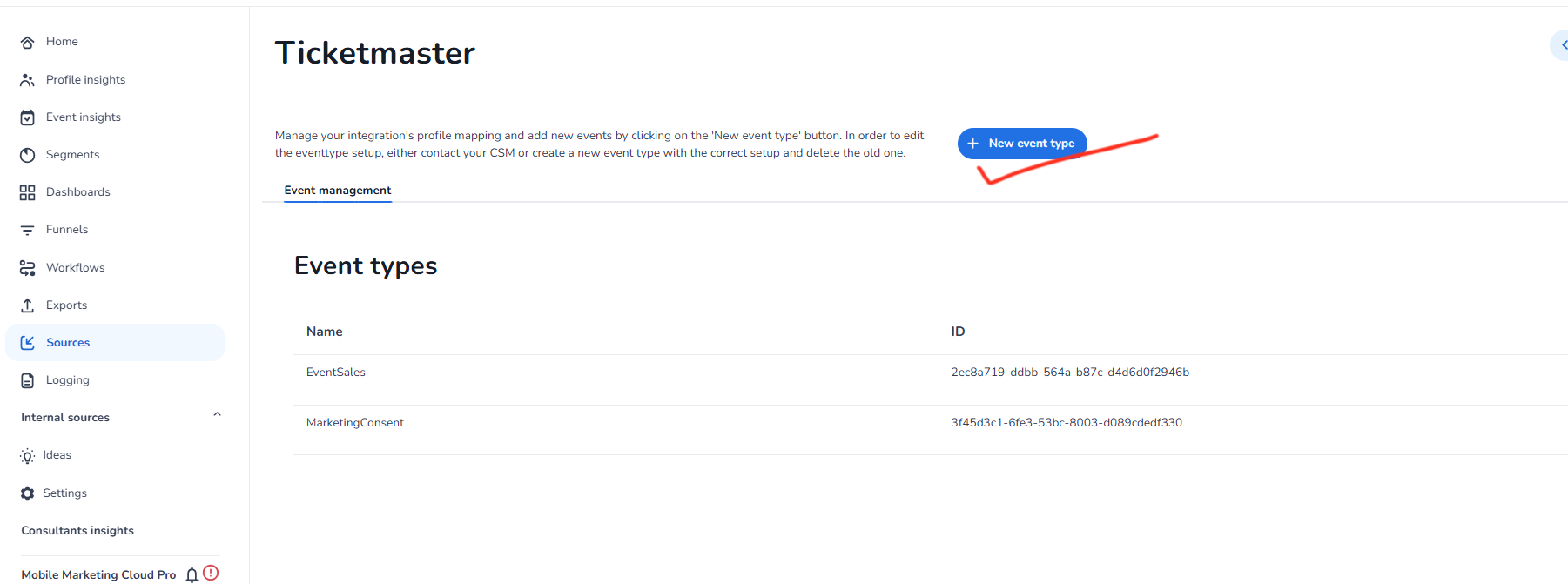
Now click on new event type button to add the event
-
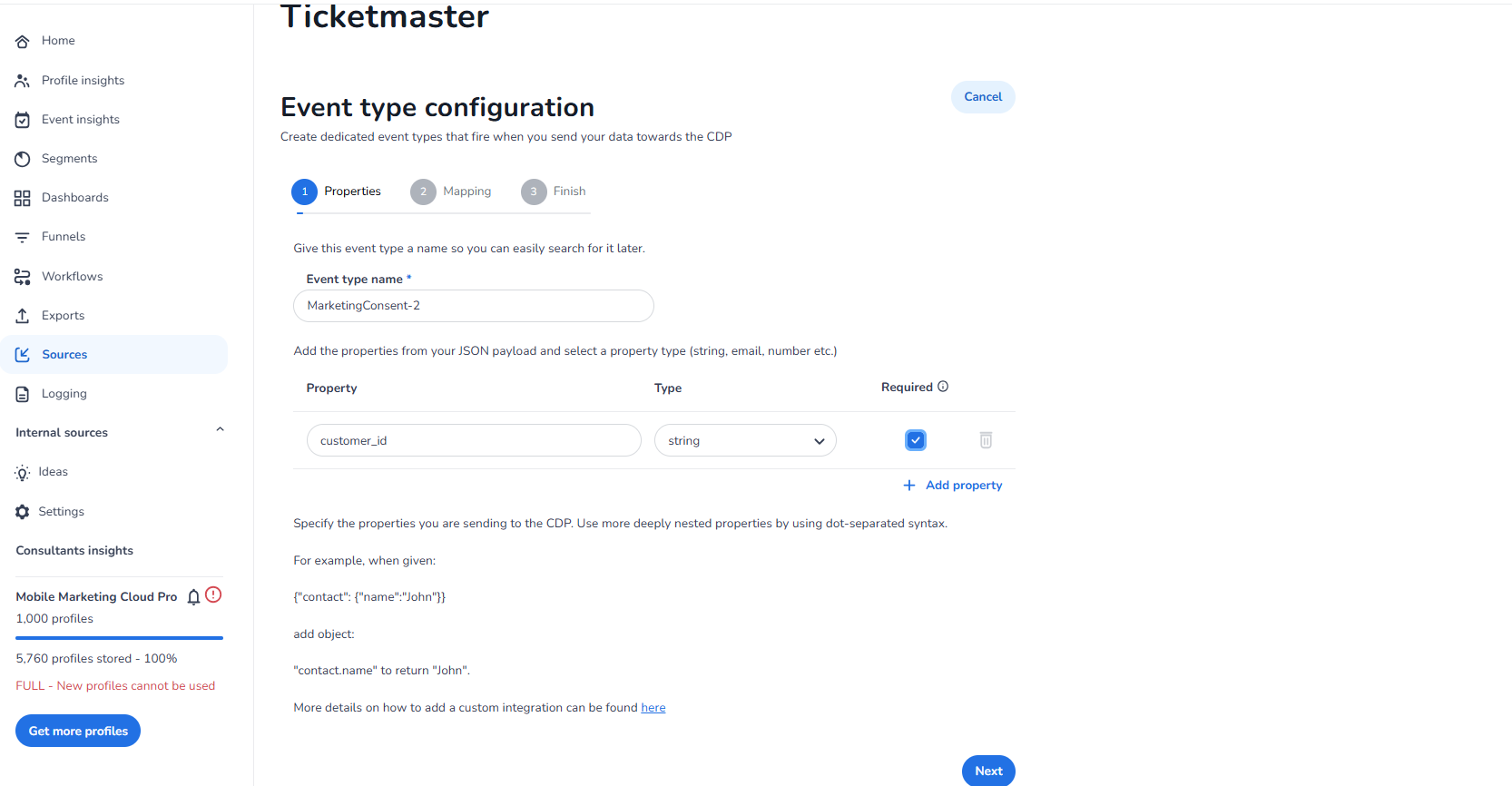
Now specify the properties you are sending to the CDP as shown below
-
Add the required destination property to which you want to map the incoming property
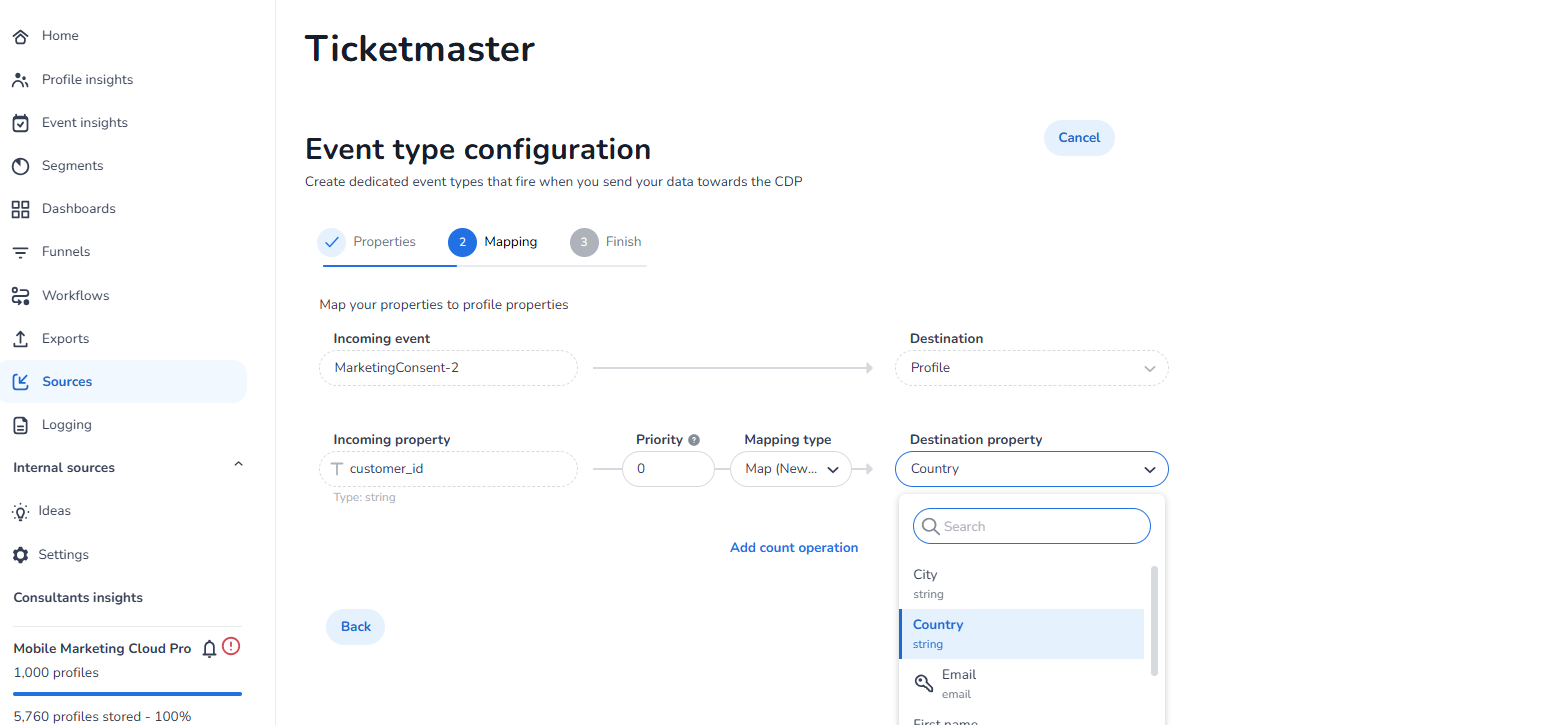
-
Review and finalize the settings
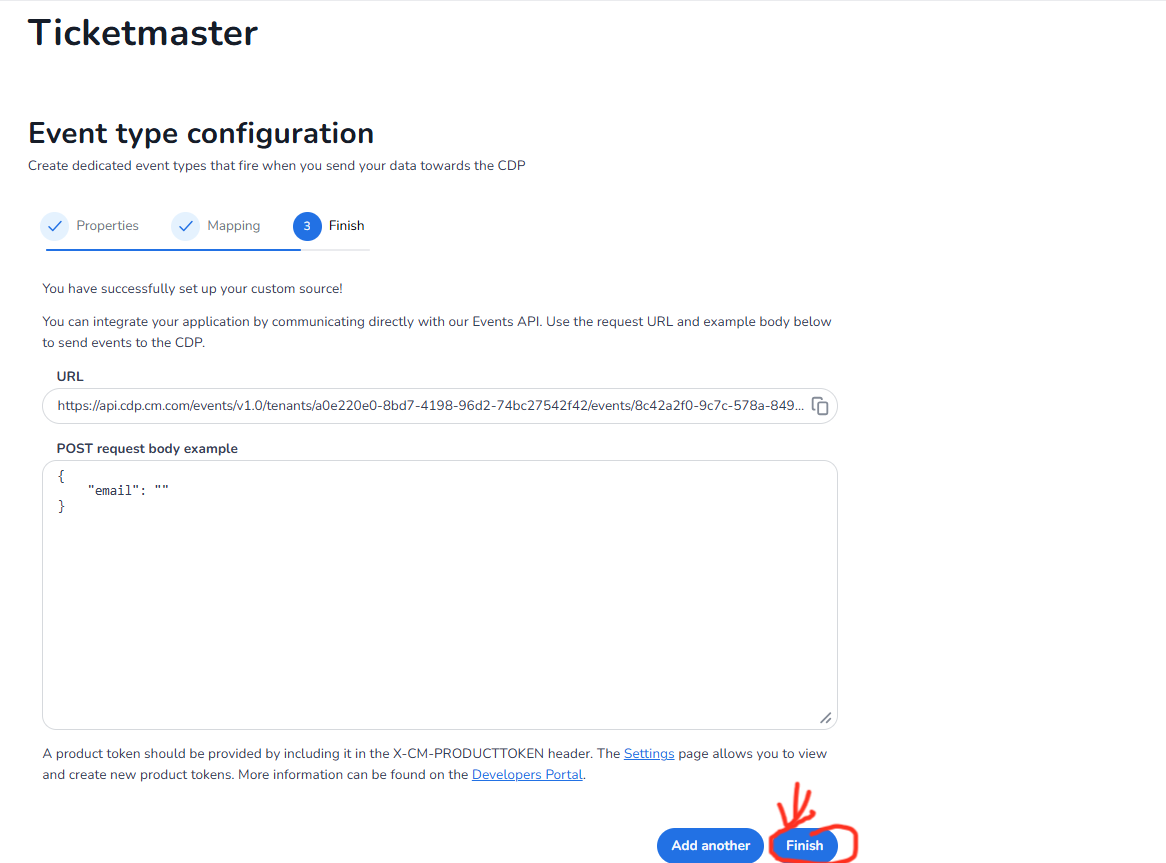
Copy the event id and keep it safe it will be important for the future steps when you create your desired integration in marketplace.
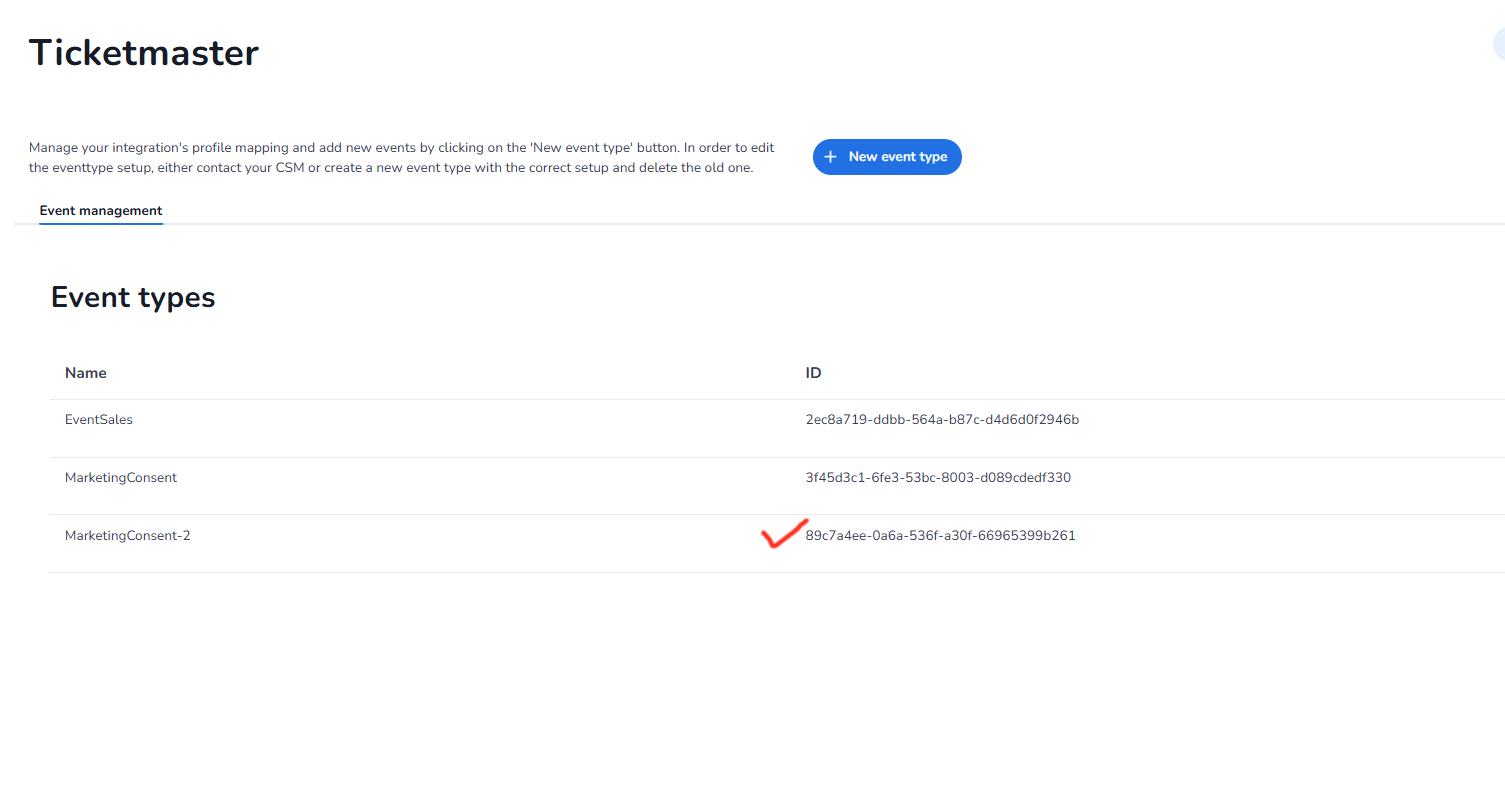
Add Event For Desired Integration In Logging
-
Add Event in logging section so that incoming events can be logged/displayed in cdp
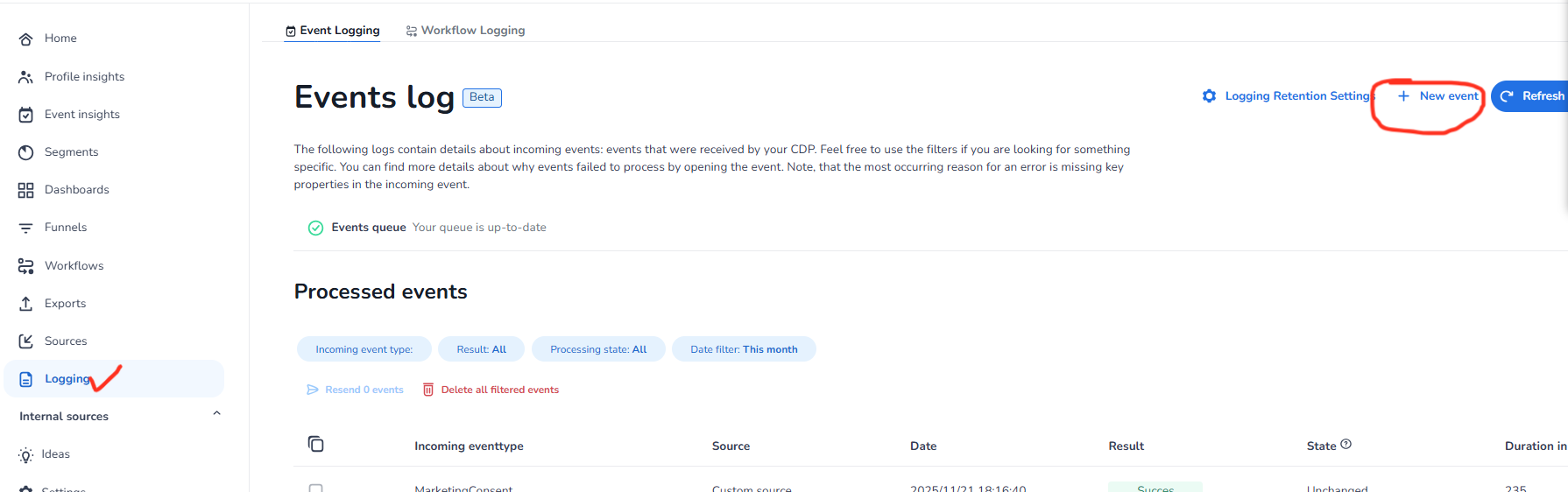
-
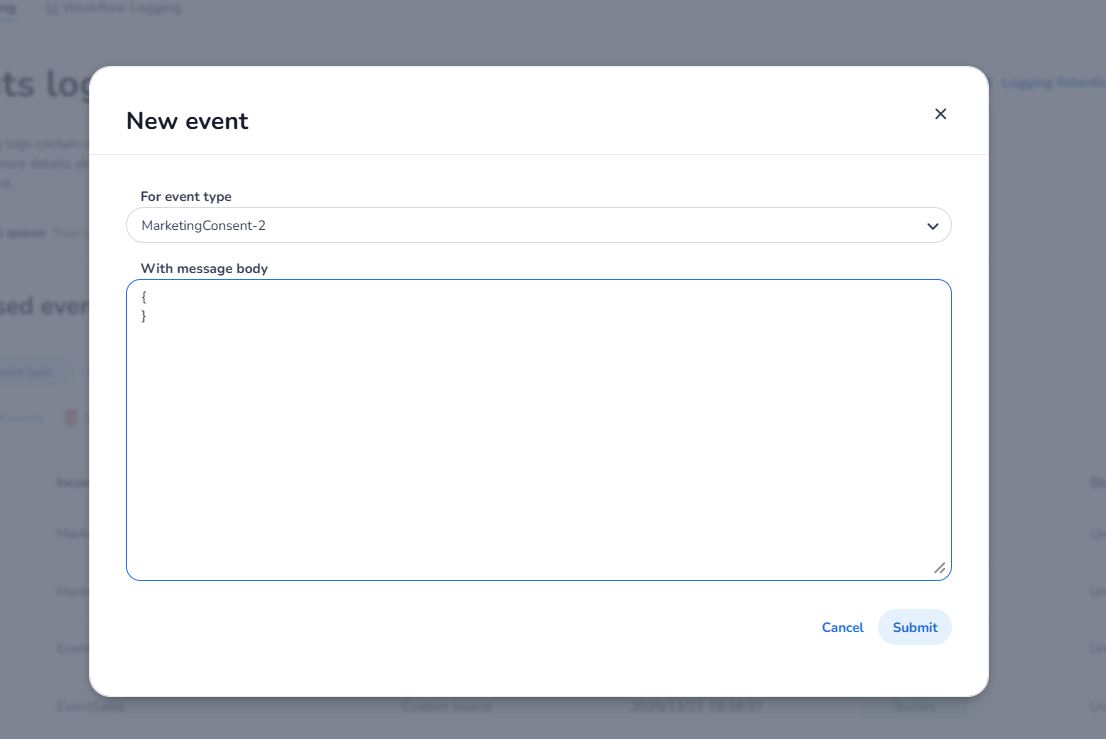
Select the **For event type **as the event created in https://cmcom.atlassian.net/wiki/spaces/MKT/pages/2676686876/Setup+In+CDP+Platform#Create-Event-For-Desired-Integration and your desired message body.