Upload your team
Upload your team/agent list from an Excel file so your dashboards can filter by team and agent.
Get started
- Go to Settings → Teams tab
- Click Download template to get the Excel file
- Fill it in with your team info
- Upload it back
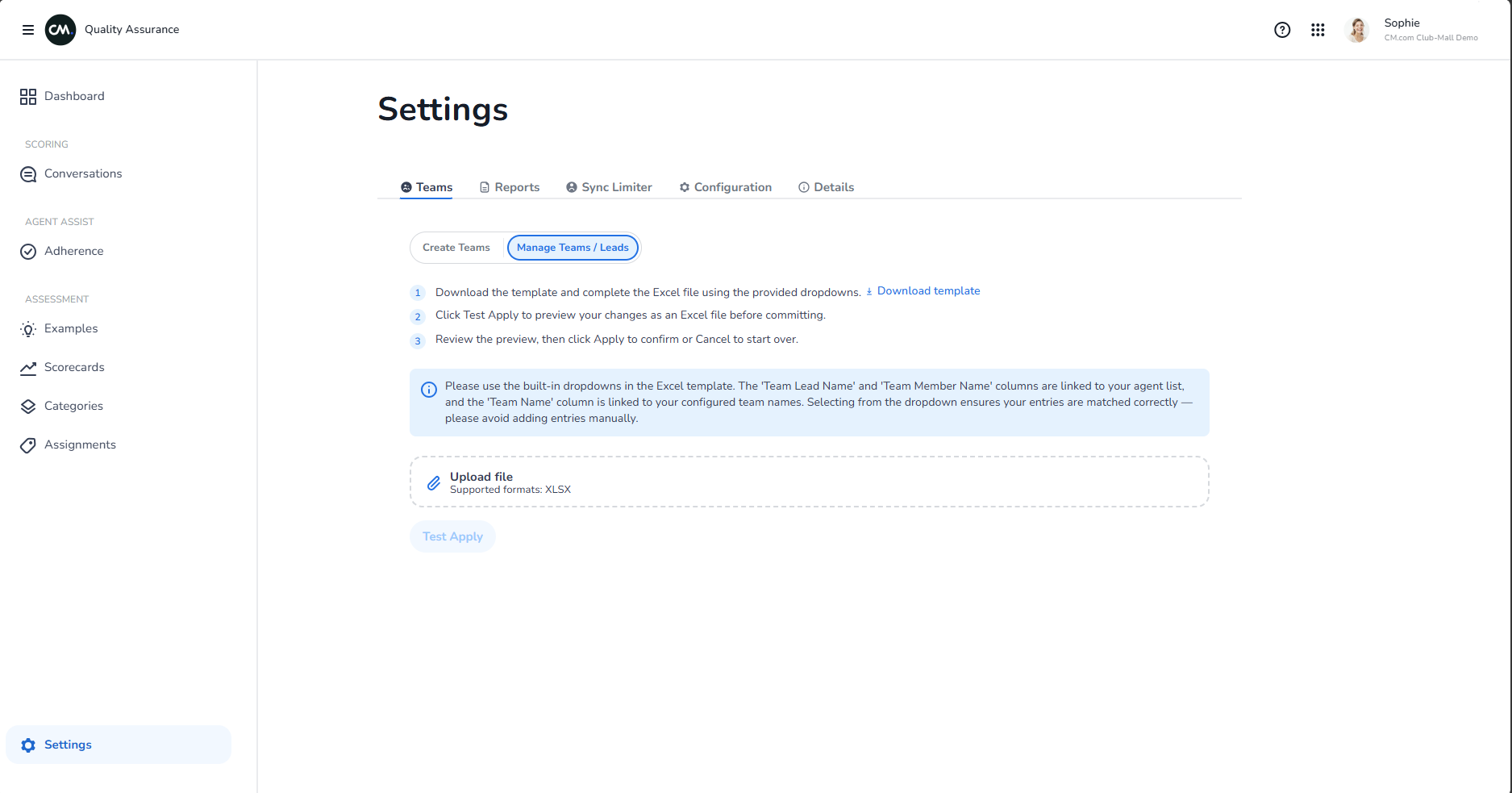
Fill in the template
The Excel file has these columns:
- Team name — your department or team (e.g., "Support", "Sales", "Billing")
- Agent ID — unique ID for each agent (must match your system)
- Agent name — agent's display name
- Manager — their supervisor or team lead
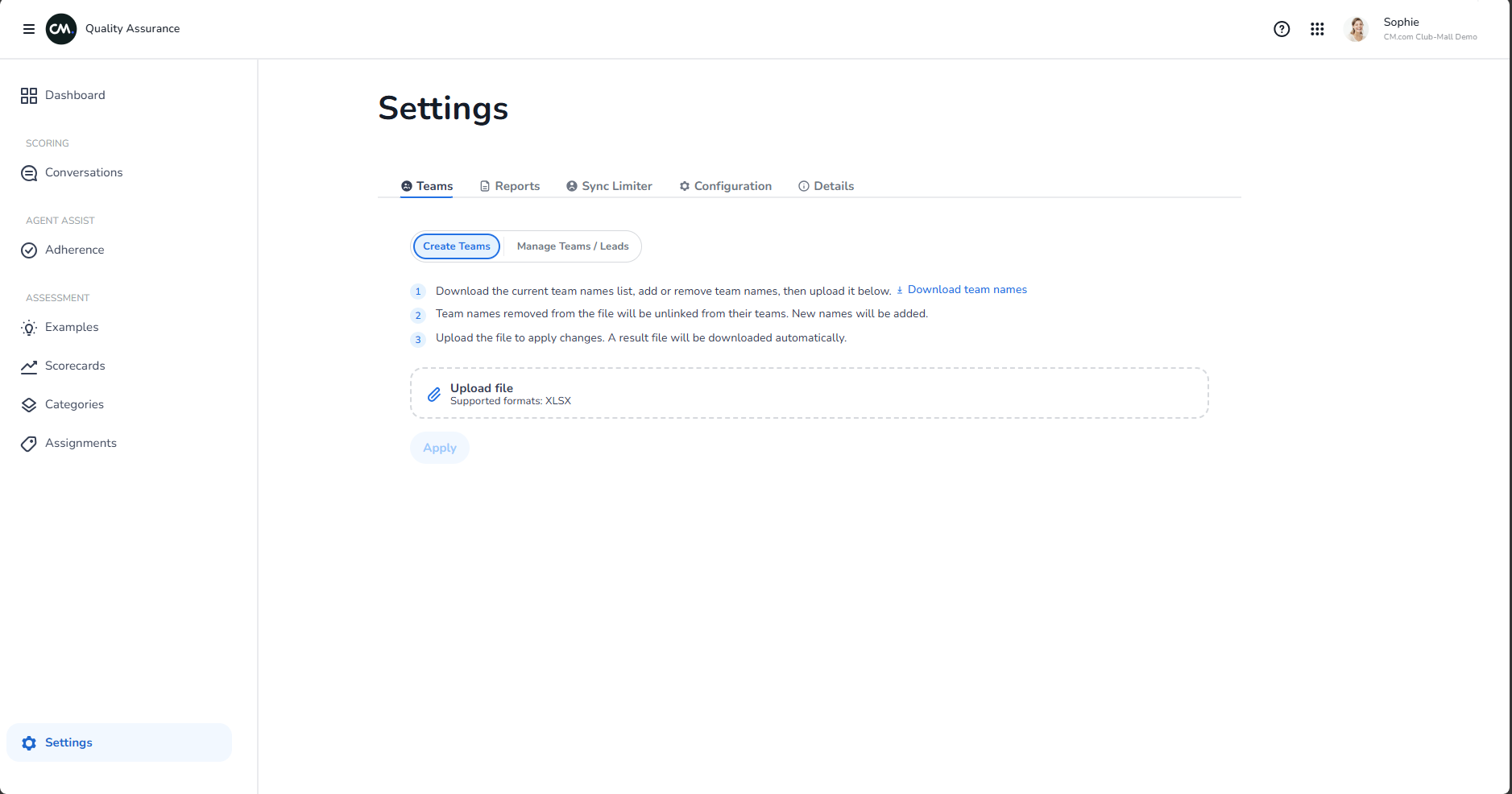
Upload your file
Two ways:
Create Teams — upload immediately (fastest)
Preview first — upload to see a preview before saving (safer if you're not sure)
Use it
Once your team is uploaded:
- Filter dashboards by team or agent
- See performance breakdowns per department
- Track coaching by team
Update your team
Anytime you hire, move people around, or change structure:
- Download the template again
- Update it with new info
- Re-upload
Existing conversations keep their team/agent association.