Save great conversation examples
Save conversations that are scored perfectly (or poorly) to create a training library for your team.
This shows agents what "good" looks like, and helps new team members learn your standards.
Why save examples?
- Train new agents — show them great conversations to emulate
- Share standards — demonstrate what "excellent" really means
- Coaching reference — point to real examples when coaching agents
- Improve scoring — helps the system better understand your quality standards
Save an example
Option 1: Save from a conversation you already reviewed
- Open any conversation you've reviewed
- Click the menu (three dots) in the header
- Select Save as example
- It saves with the score you gave it
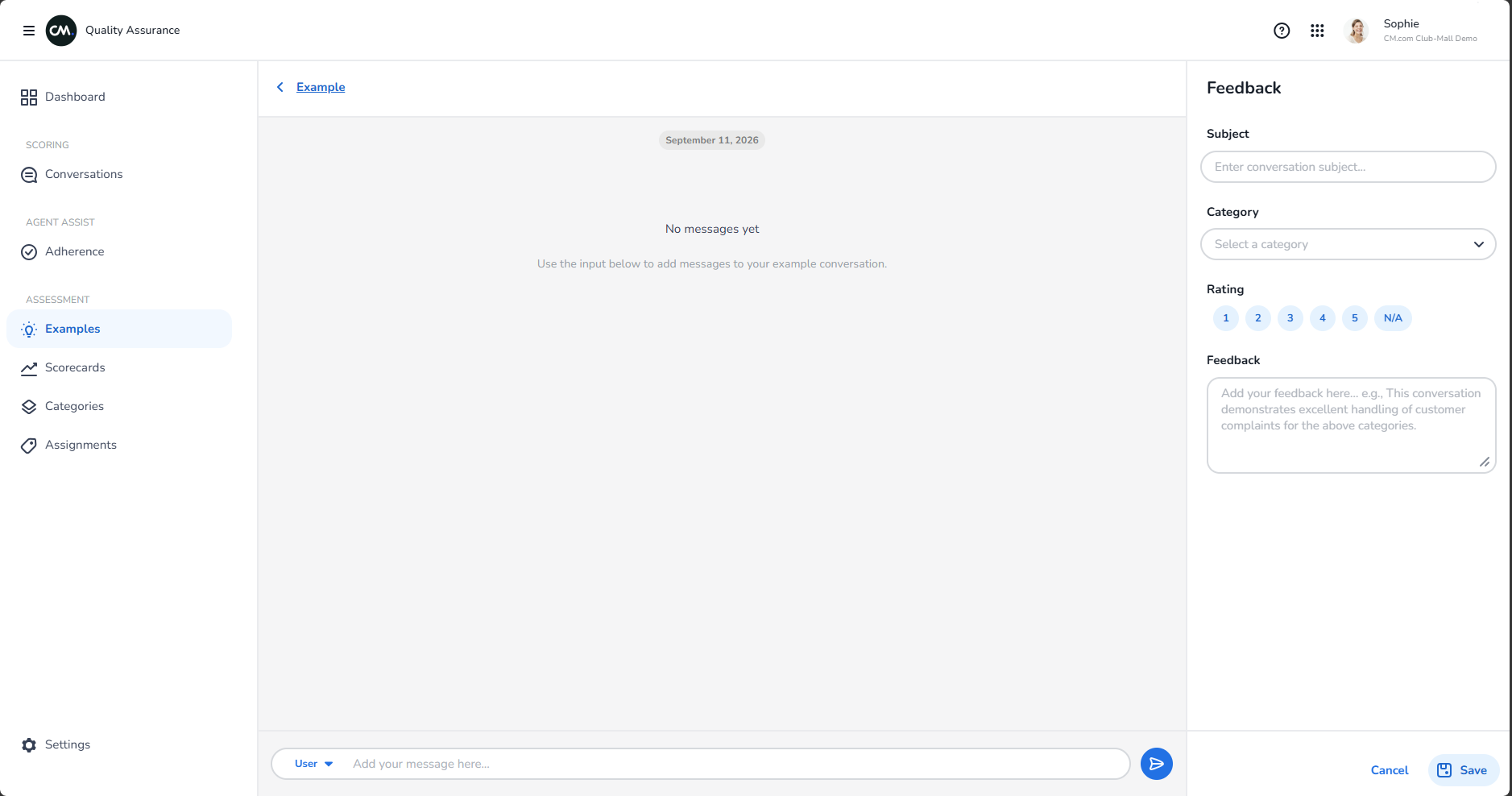
Option 2: Create a new example from scratch
- Go to Examples in the left menu
- Click Create example
- Manually enter a conversation or paste it in
- Score it just like you would a regular conversation
- Save it
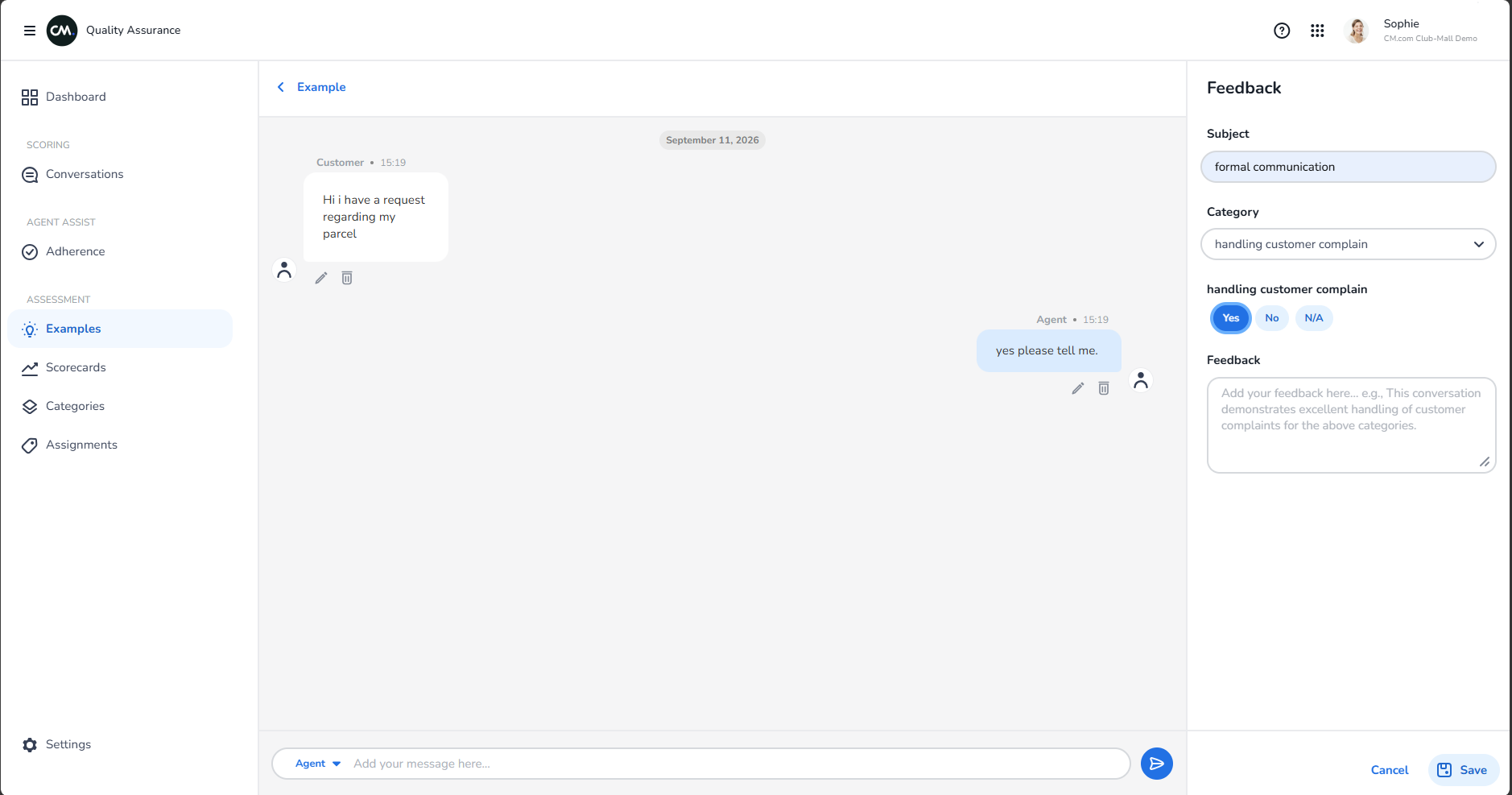
View your examples
Go to Examples to see all the conversations you've saved as references.
Click one to see how it was scored and what feedback was given.
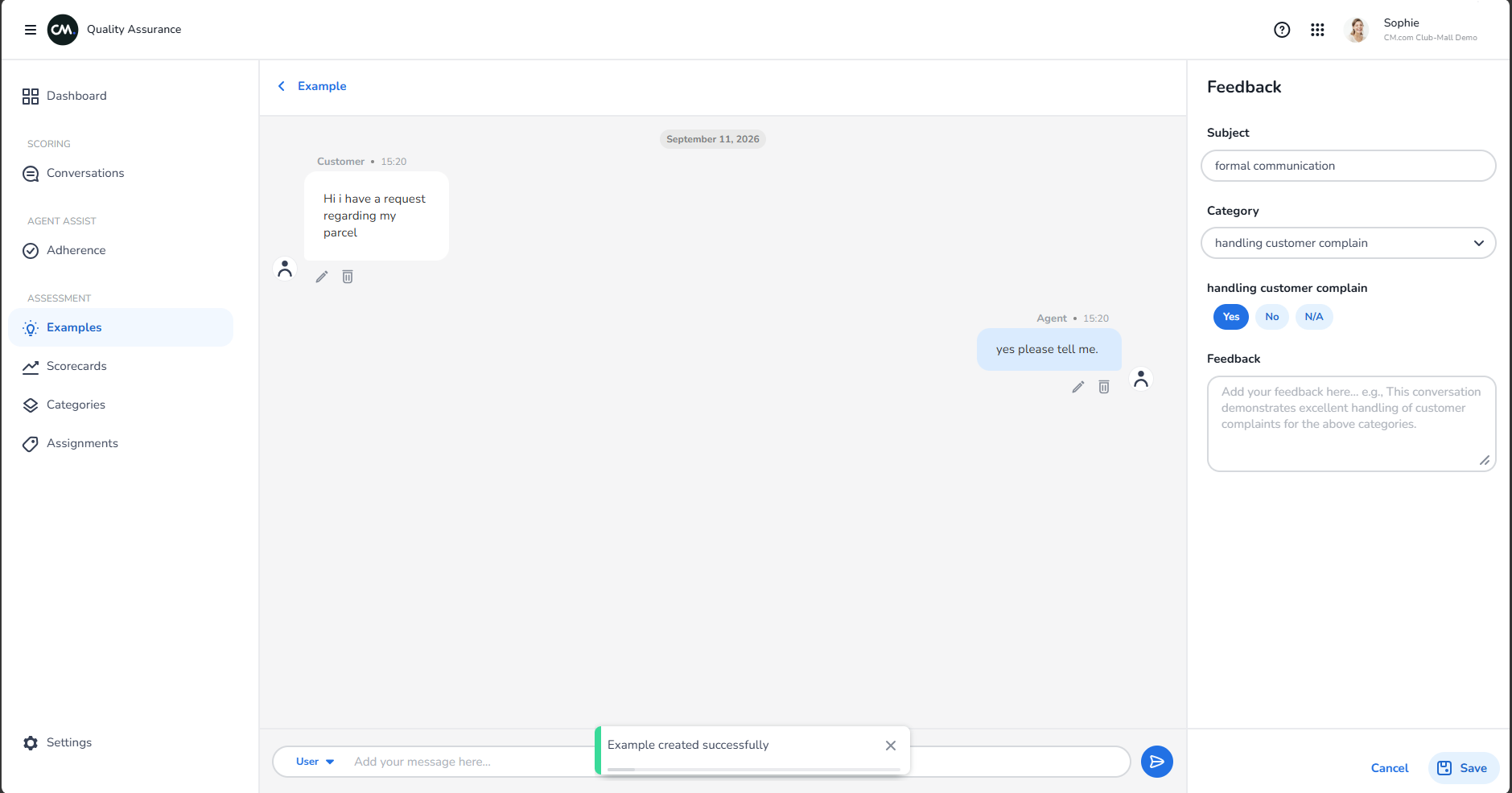
Update examples
Keep your examples current:
- If you change your scorecard, review your old examples
- Delete examples that no longer match your standards
- Add new examples as your team improves
Share examples with your team
Your team can view examples to understand:
- What excellent looks like
- What poor looks like
- Real conversations, not just theory