Overview
The Explorer is the conversation-history browser of the Router: a filterable list of your account's conversations of the past 30 days on the left, and a chat-style transcript with per-message routing detail on the right. Use it to verify that your flows, states, and pipelines behave as intended, and to investigate individual conversations.
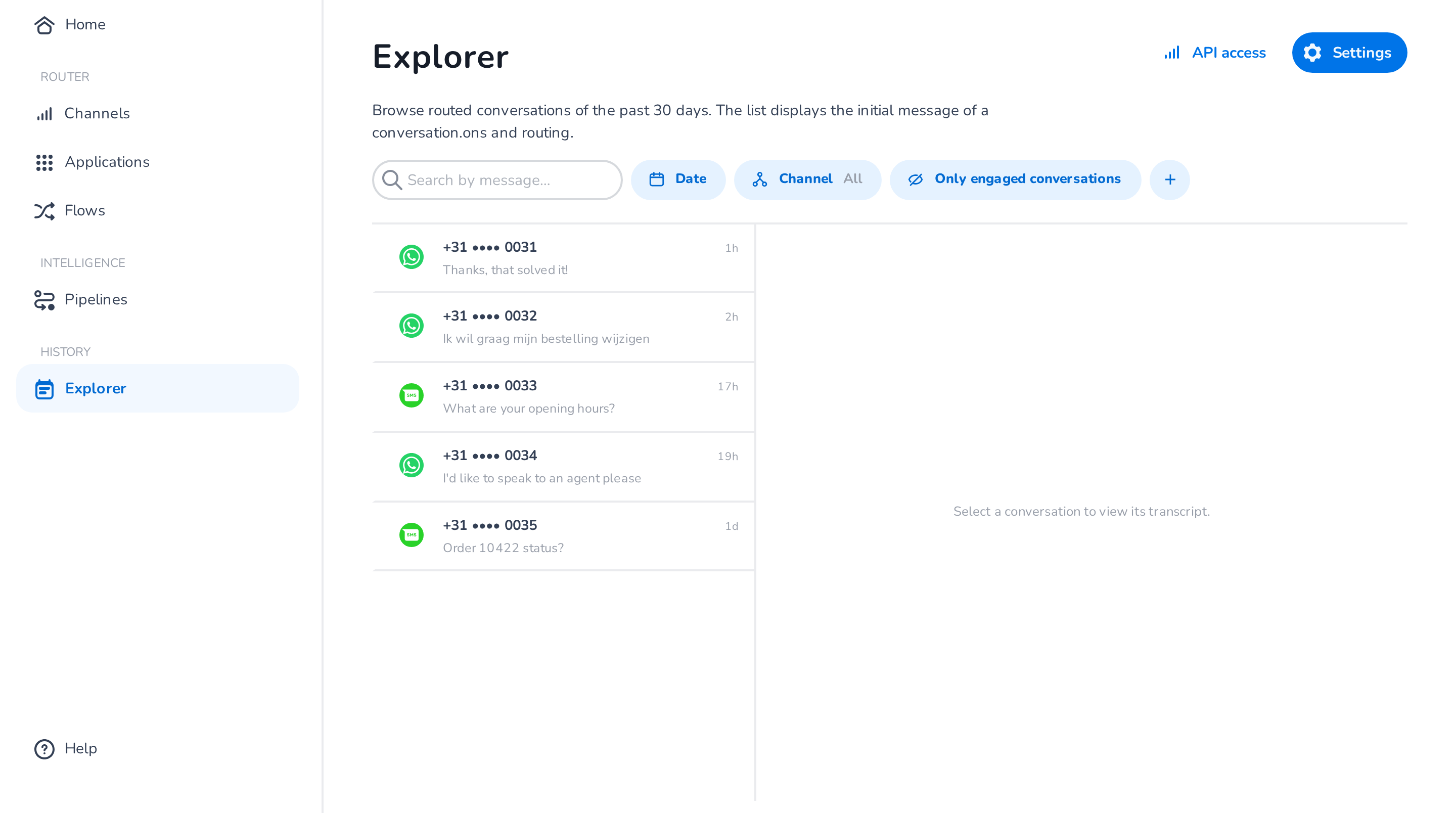
Browsing and searching
- Browse: with an empty search box, the list shows conversations ordered by recent activity, loading more as you scroll.
- Search: typing a query switches the list to a ranked full-text search across message content.
Filters work in both modes:
- Date range — limit results to a period.
- Channel — one or more channels (WhatsApp, SMS, RCS, Facebook Messenger, Instagram, Email).
- Engagement — by default only engaged conversations are shown (Only engaged conversations); switch to All conversations to include sessions where the customer never sent a message (for example, web-widget page loads).
- Via the + menu you can add filters on Flow, State, Application, Client ID, and Conversation ID, and clear all filters.
Transcript
Selecting a conversation opens its transcript: customer and application messages as chat bubbles, with lifecycle events (such as session start) shown as dividers between them. The header shows the conversation ID (with a copy button) and the time of the first and last message.
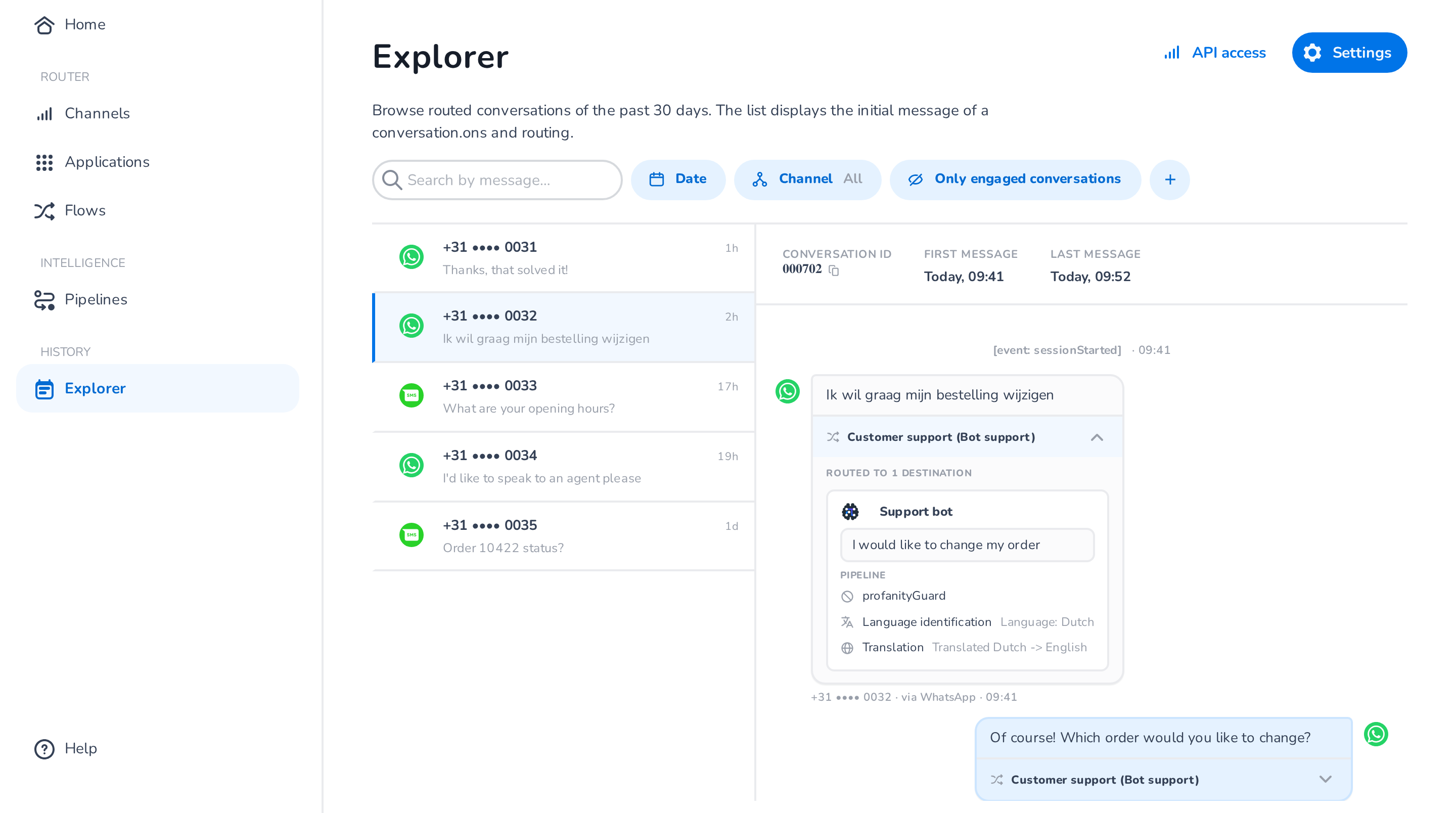
Every routed inbound message carries a routing disclosure — expand it to see:
- the flow and state that handled the message,
- the destination(s) it was routed to,
- for each destination: the text that was actually delivered (when a pipeline transformed it), the pipeline steps that ran (for example language identification and translation) with their outcomes, and whether a guard step blocked delivery.
This is the place to verify pipeline behaviour end to end: for example, a Dutch inbound message translated to English before delivery to your bot shows the original text in the bubble and the translated text in the destination card.
Settings
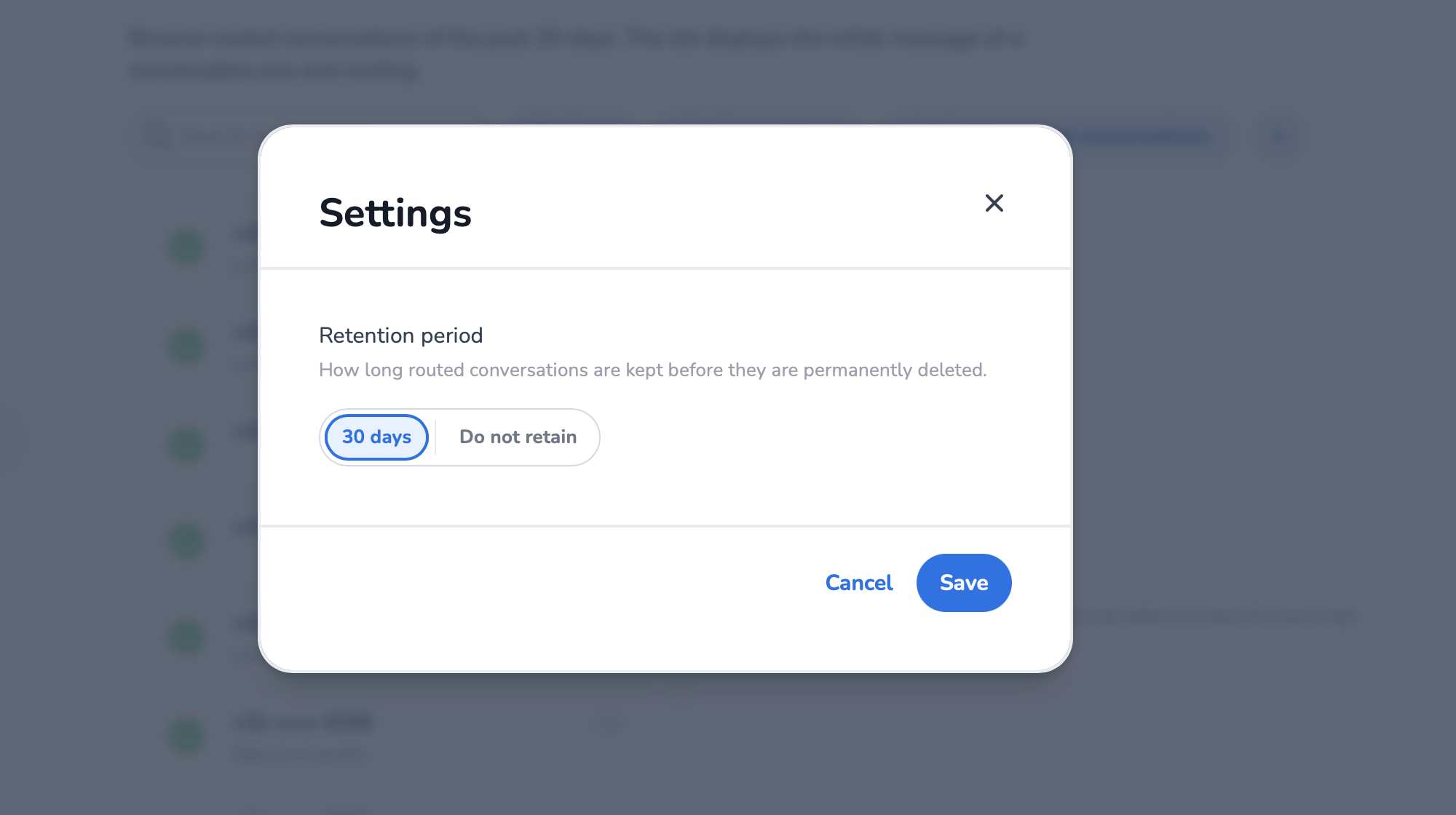
The Settings button opens the history settings:
- Retention period — how long conversation history is stored: 30 days or Do not retain. When set to "Do not retain", no history is recorded for your account and the Explorer stays empty.
API access
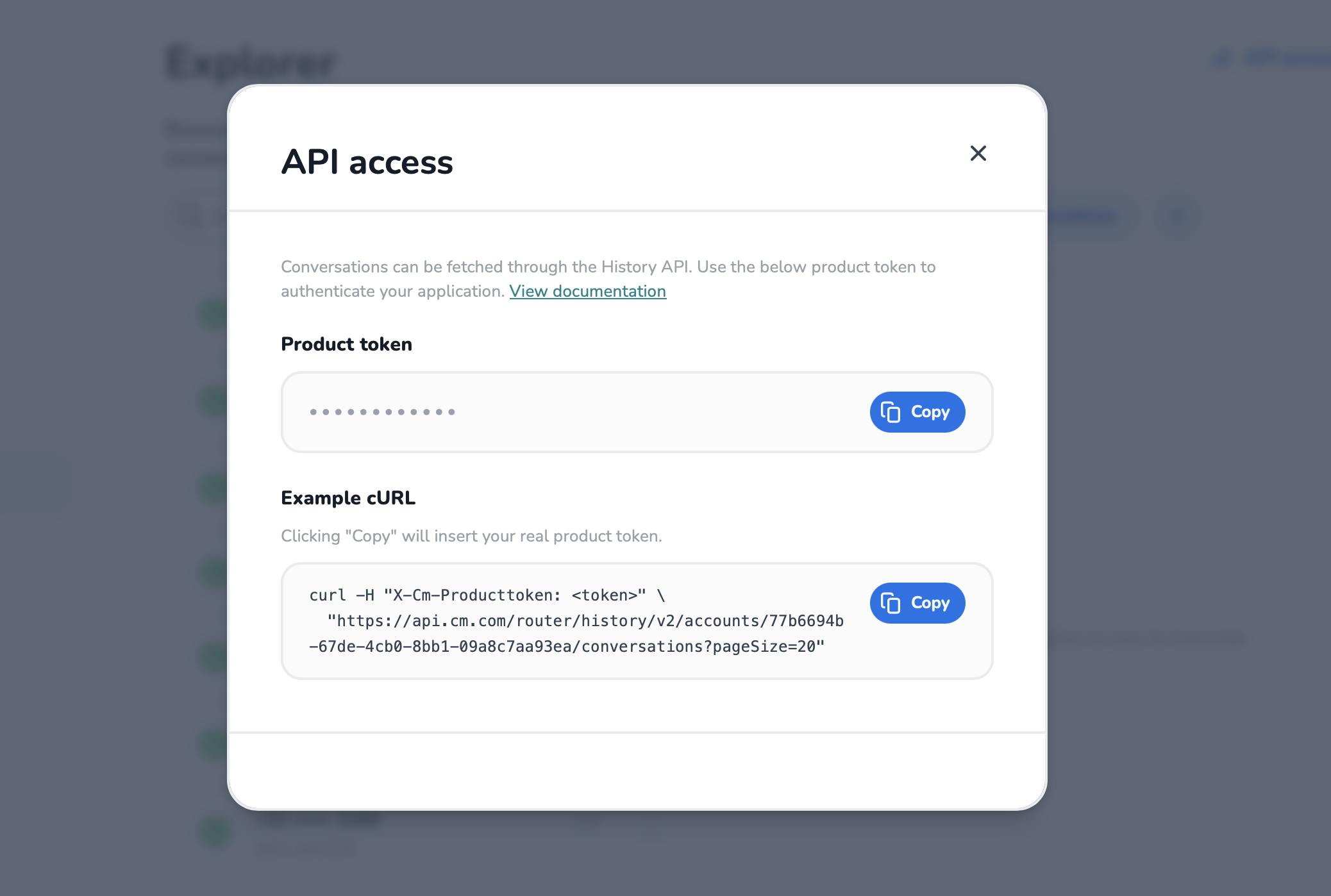
The API access button shows what you need to query conversation history programmatically:
- your product token (masked, with a copy action), and
- a ready-made example request against the conversation history API.
See the Conversation History API page for the full API reference.