Overview
The Email application enables email as a conversational channel within the Router. It supports both inbound (receiving) and outbound (sending) emails.
Configuration
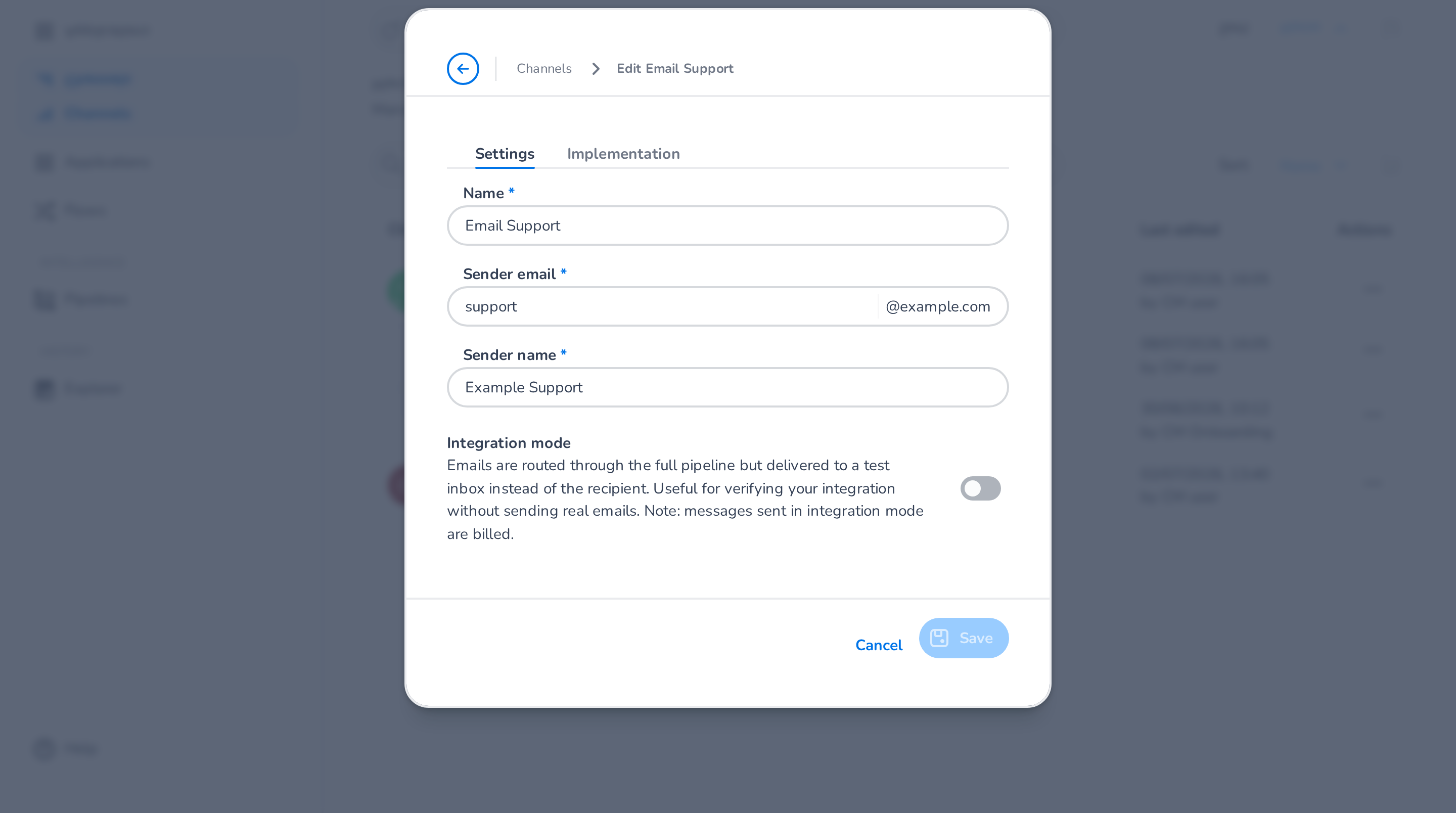
For this application you can configure in the Settings tab:
-
Name: application display name. Use a clear, descriptive label, so it's easy to identify in flows and states.
-
Sender email: the email address used when sending outbound emails. Select a domain from the dropdown and enter the local part (e.g.,
support). The available domains are configured on your account in the Email Gateway application. -
Sender name: the display name shown to recipients in outbound emails (e.g., "Customer Support").
-
Integration mode: when enabled, outbound emails are routed through the full pipeline but delivered to a test inbox instead of the actual recipient. Useful for verifying your integration without sending real emails.
🚧 Integration mode billing
Messages sent in integration mode are still billed.
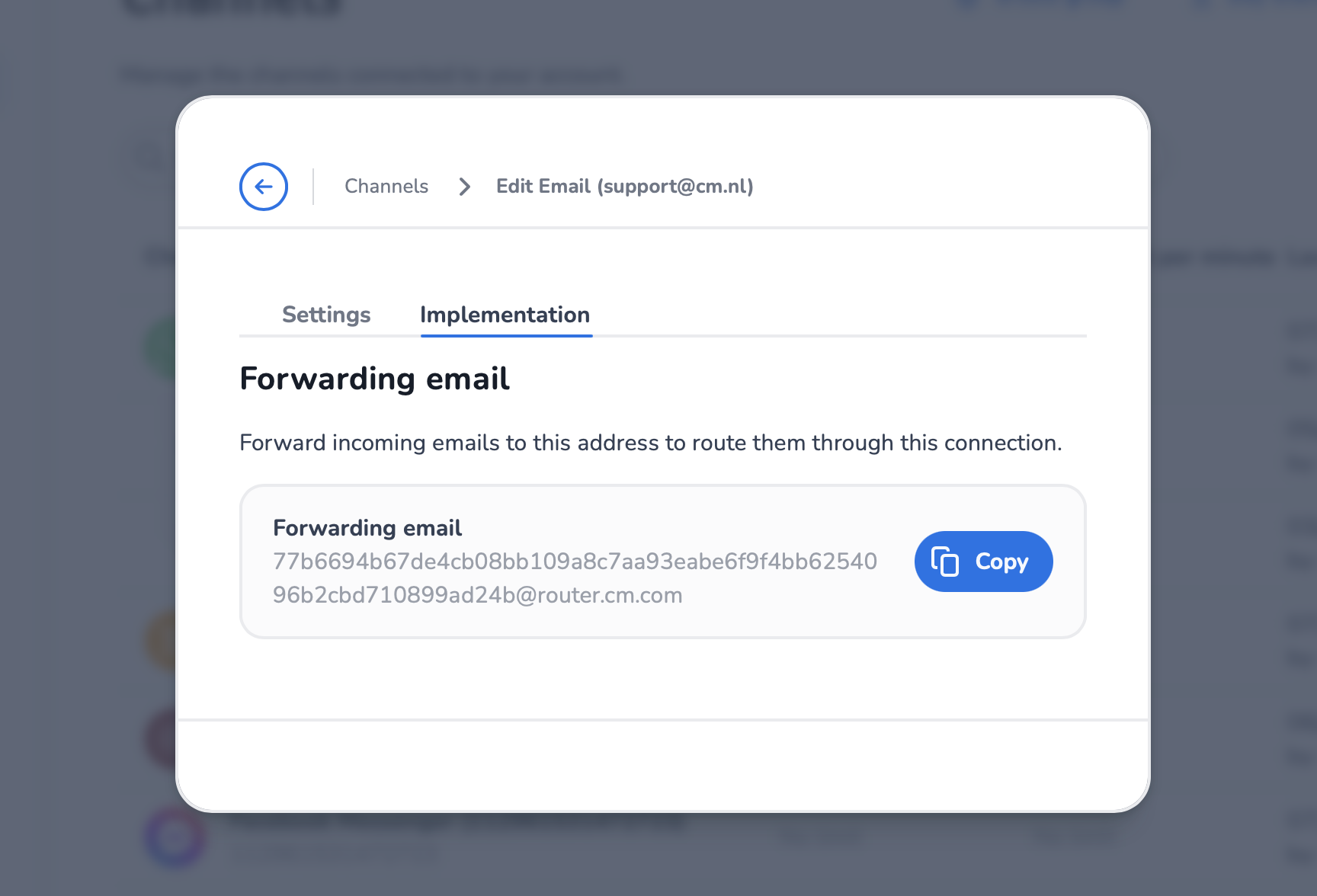
In the Implementation tab you can find the forwarding email address, which is automatically generated when the application is created.
Inbound email
Email redirection setup
To receive emails in the Router, you must configure an email redirect from your business email address to the forwarding email address. This ensures that emails sent to your public-facing address (e.g., [email protected]) are redirected to the Router for processing.
🚧 Inbound email redirection
You must use redirect rule, not forward. Redirecting preserves the original sender information and email headers, which is required for the Email application to correctly identify the sender.
The redirection setup depends on your email provider. Consult your provider's documentation for instructions on configuring email redirect rules.
CC recipients
When a customer sends an email with CC recipients, those addresses are forwarded to the routed conversation so the agent (or downstream application) sees who else is on the thread.
📘 BCC is never available on inbound
Mail protocol limitation: SMTP relays strip BCC headers before delivery. The Router only sees what the receiving mailbox sees, so BCC recipients on inbound emails are not visible.
Outbound email
When a contact center agent replies to a conversation, the Router sends the response as an email to the original sender using the configured sender email and sender name.