Overview
Applications are the destinations of the Router: the services that handle conversations routed to them. The Applications page lists the applications connected to your account:
- Agent Inbox — CM.com's contact center for live agents (see Agent Inbox).
- AI cloud — your Conversational AI Cloud bot (see Conversational AI Cloud).
- HALO — CM.com's agentic AI solution (see HALO).
- Marketplace — third-party contact center integrations (see Marketplace).
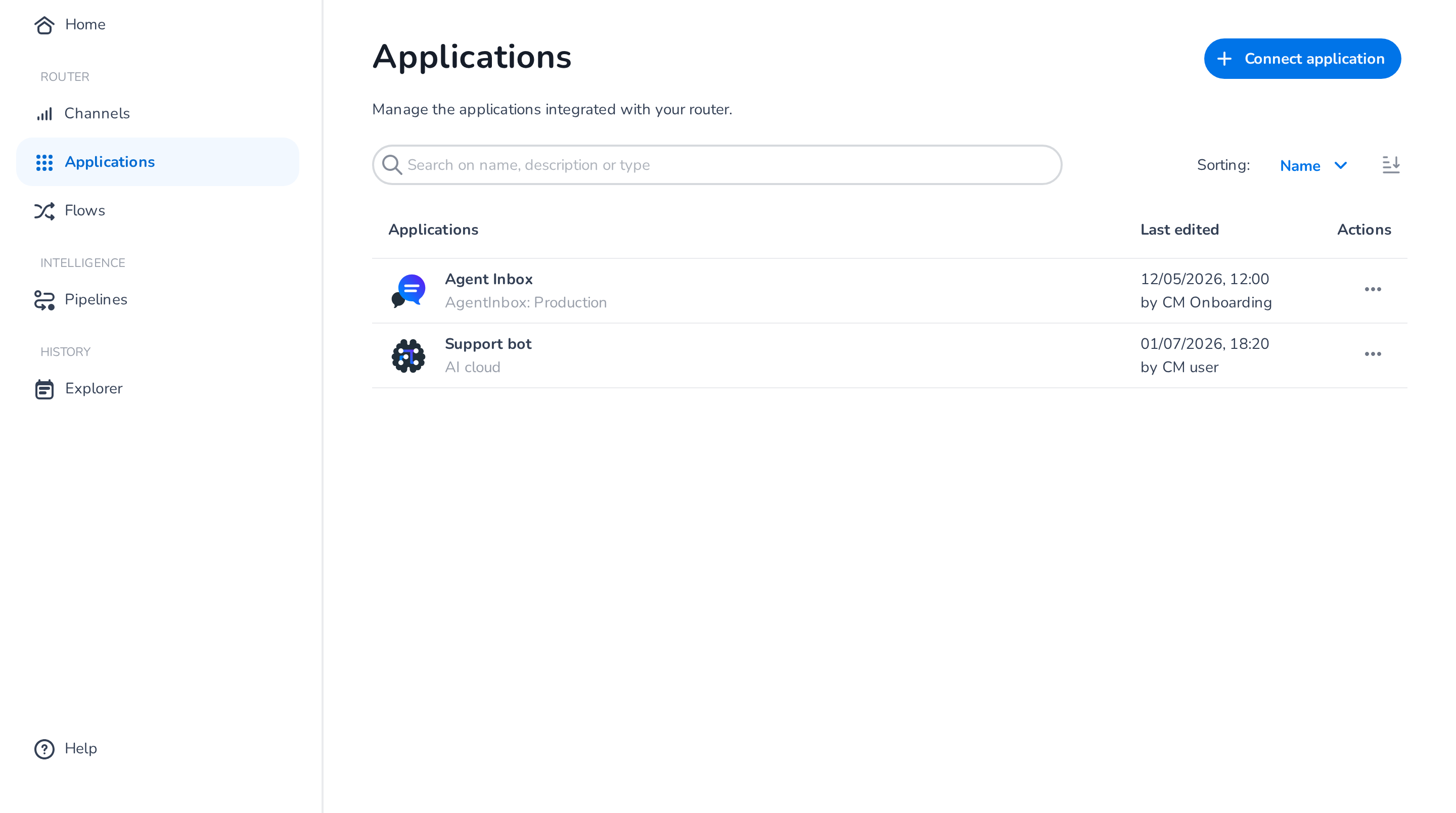
Each row shows the application's icon, name and identifying detail (such as the HALO profile or environment), and when and by whom it was last edited.
Connecting an application
Click Connect application and pick the application type. CM.com's own applications are listed first, followed by the Marketplace integrations provisioned on your account. Types with a one-per-account limit (Agent Inbox, AI cloud) are hidden from the list once connected.
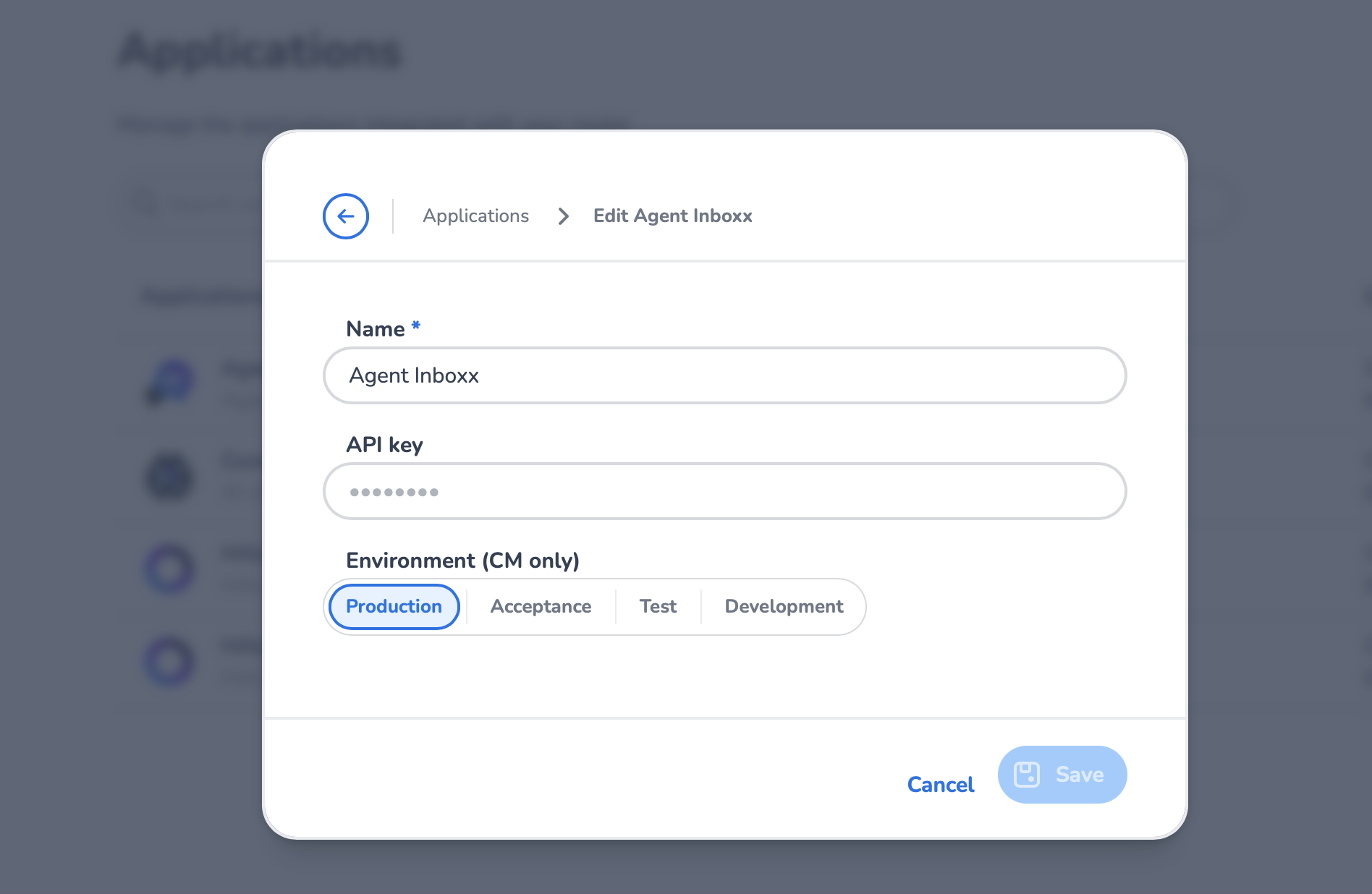
Each type has its own settings — for example, Agent Inbox requires its API key, and HALO requires selecting a profile. See the per-application pages for details and prerequisites.
Editing and deleting
Click an application row (or its Actions menu → Edit) to change its settings; use the Actions menu's Delete to remove it, confirming in the dialog.
❗️ Deleting an application
Deletion is permanent and cannot be undone. An application that is still used by a published flow cannot be deleted — disconnect it from the flow first.
Using applications in flows
Applications become useful once they are connected to a flow and linked inside its states — that is where you define which conversations they receive (see Flows and States).